Paint the sky you dreamed of
Sunsets, northern lights, the Milky Way, dramatic clouds and morning mist. Golden and blue hour at any time of day, rain reflections, fresh snow, cherry blossom and autumn leaves.

Fotogenica turns the shot you took into the shot you remember. Luna, your AI photo assistant, studies each picture and suggests the edits that will make it shine. You decide what changes, and your original is always kept.
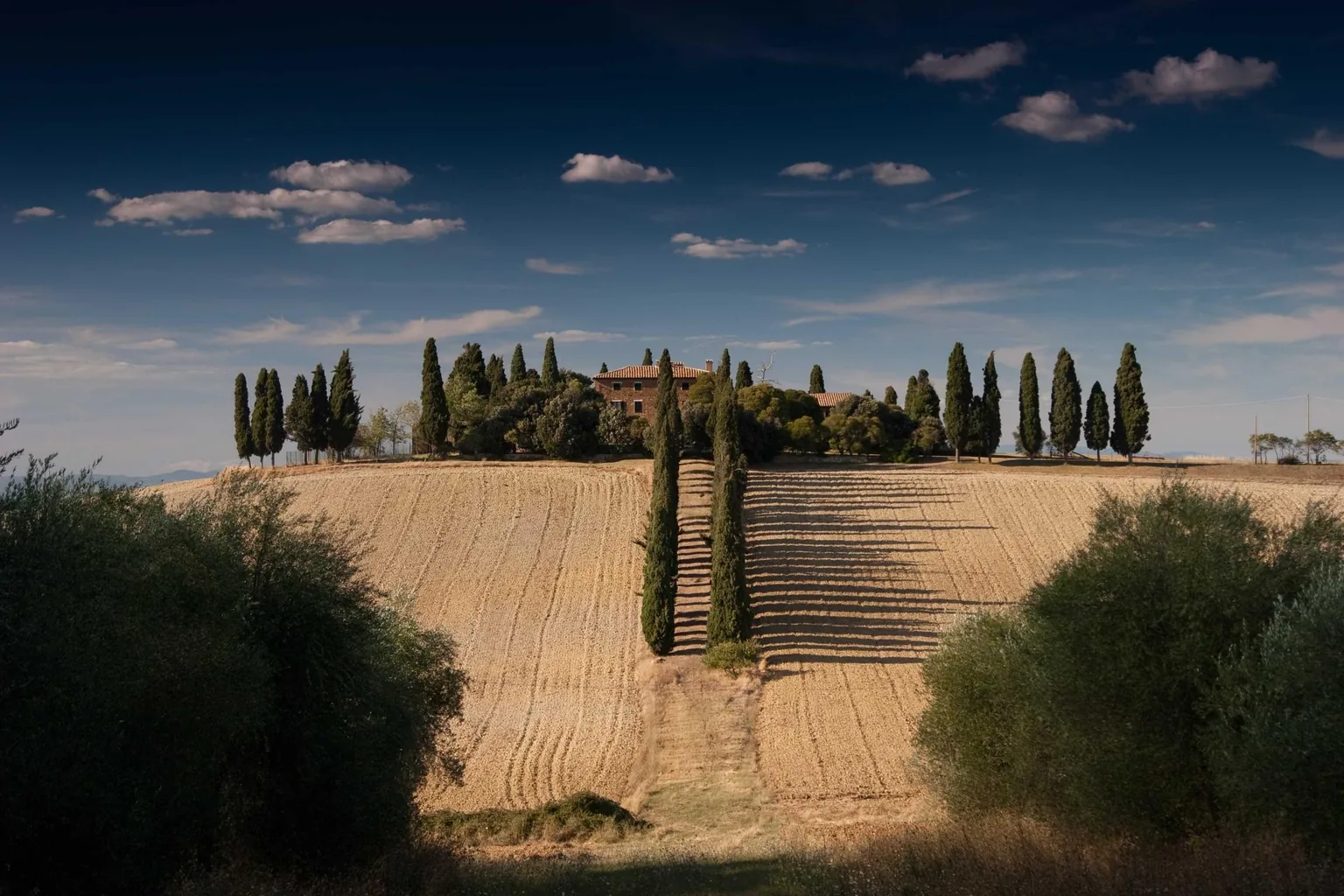
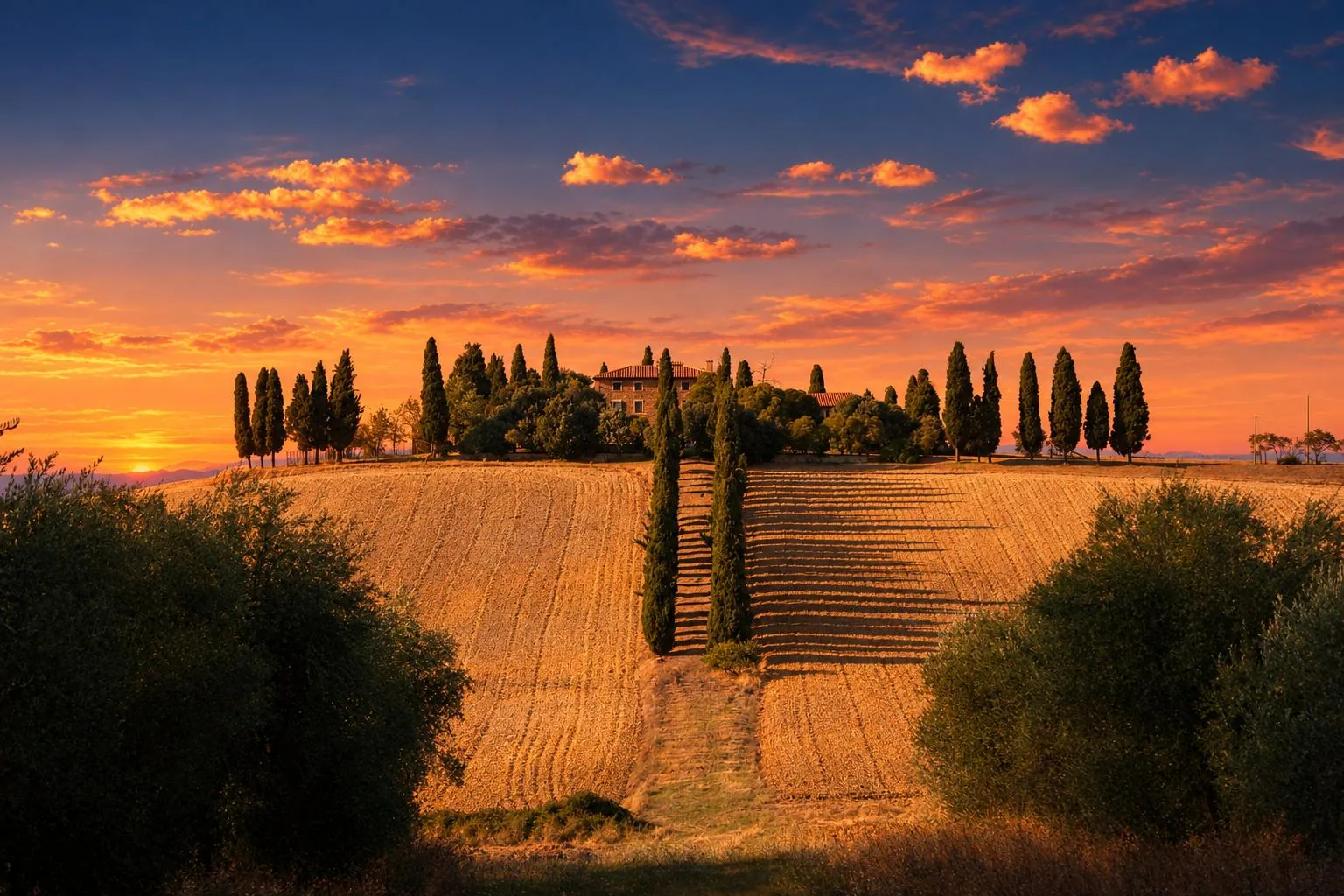
A real edit: the Tuscan hills, before and after Fotogenica’s “Sunset sky”.
Before and after
Every “after” on this page is a real result from the app, made from a stock photo with one tap. Drag the line to compare.
AI edit
A flat afternoon over the Tuscan hills becomes the sunset you remember, with the light falling across the fields to match.


How it works
Choose one from your library or your files, paste it, or drop it on the window on iPad and Mac. It is copied into Fotogenica; your library is never changed.
Luna, the AI assistant, reads the picture and proposes a few ideas that suit it, each with a reason. Or pick your own from the catalogue.
Try an idea as a quick preview for 1 credit, or go straight to the full-quality edit for 5. Drag the line to compare before and after.
What it can do
AI edits run on our server with OpenAI’s image models; the free looks and the crop run entirely on your device.
Sunsets, northern lights, the Milky Way, dramatic clouds and morning mist. Golden and blue hour at any time of day, rain reflections, fresh snow, cherry blossom and autumn leaves.
Pro retouch, HDR pop, softbox, rim and neon light. Soften harsh shadows, clean up night shots, brighten whites, and add a sun-kissed glow without the plastic look.
Remove photobombers, clutter, scaffolding and reflections. Empty a street, clear the water, widen the view, or change the season.
Natural skin, clear blemishes, a fresher look under the eyes, hairstyle, hair colour and make-up. A realism dial keeps every edit believable, and Fotogenica never changes body shape, weight or age.
Film, teal & orange, Mediterranean, pastel, moody and black & white, with a live preview as you adjust. Crop and frame for your feed. No credits, nothing uploaded.
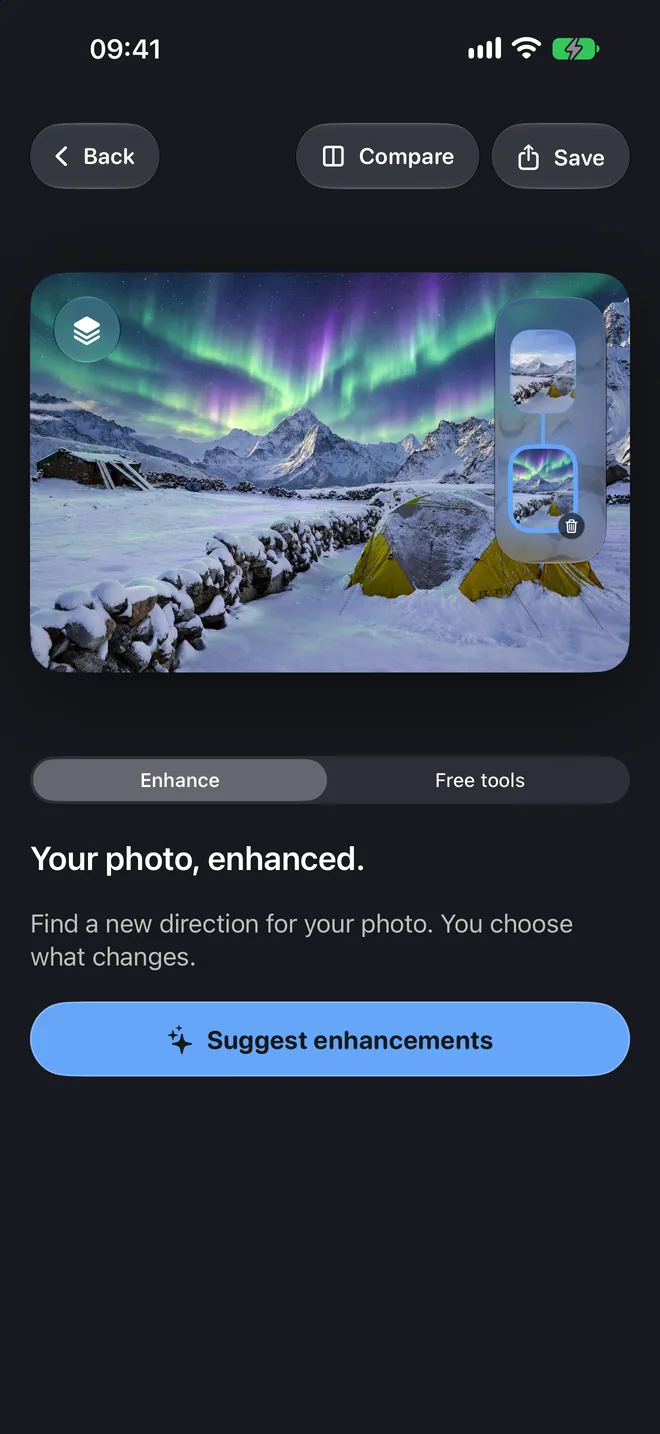
Each edit is a new version and the original is never touched. Swipe between versions, branch from any of them, and pick up where you left off, even after closing the app.
Versions
Every edit lands in a strip of versions beside the photo. Step through them with a swipe or the arrow keys, press and hold to see the original, and start a new branch from any version you like.
Free tools
Film, teal & orange, Mediterranean, pastel, moody, black & white and more. Every look has a strength you can drag, a live preview, and costs nothing: it is rendered on your iPhone, iPad or Mac.
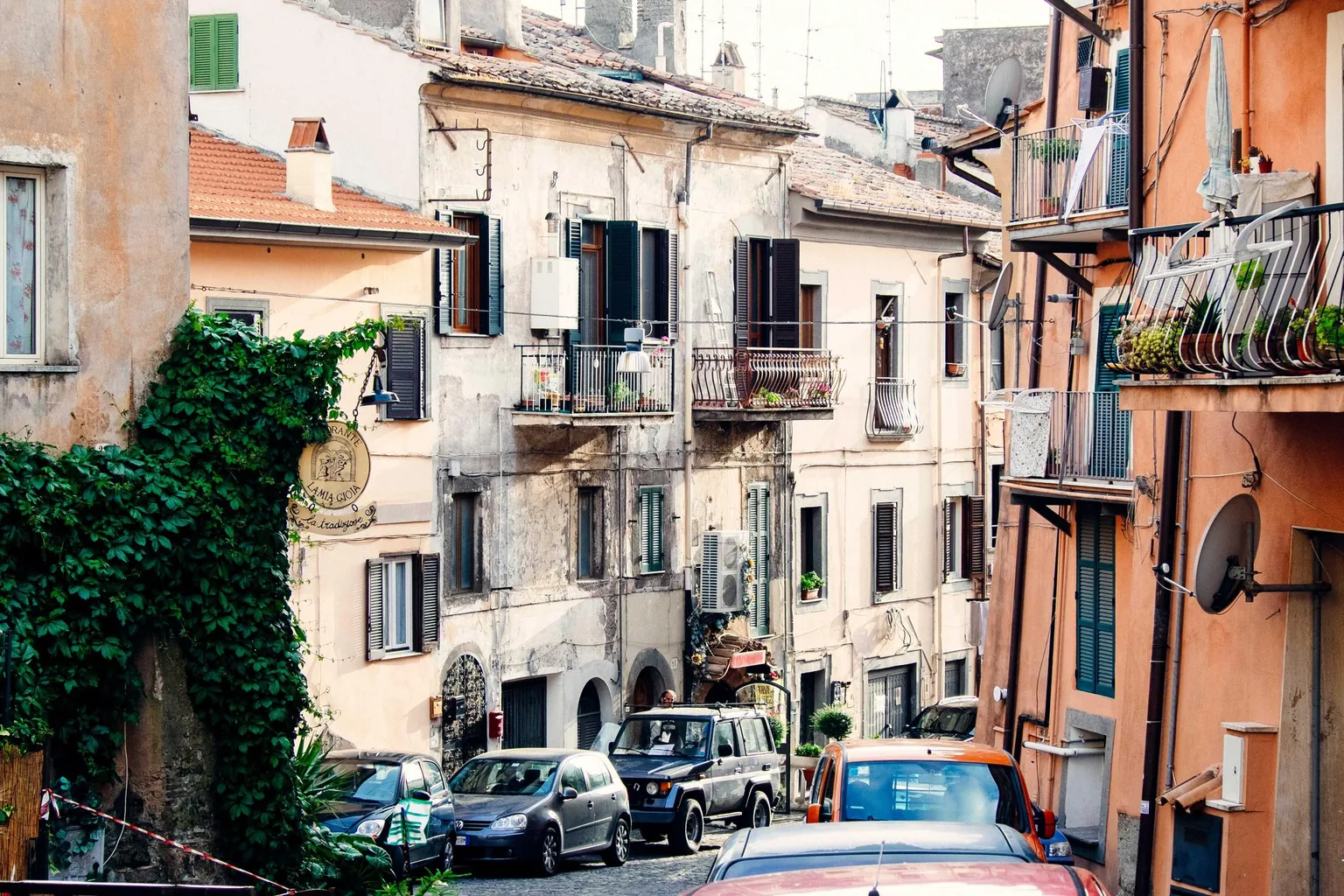
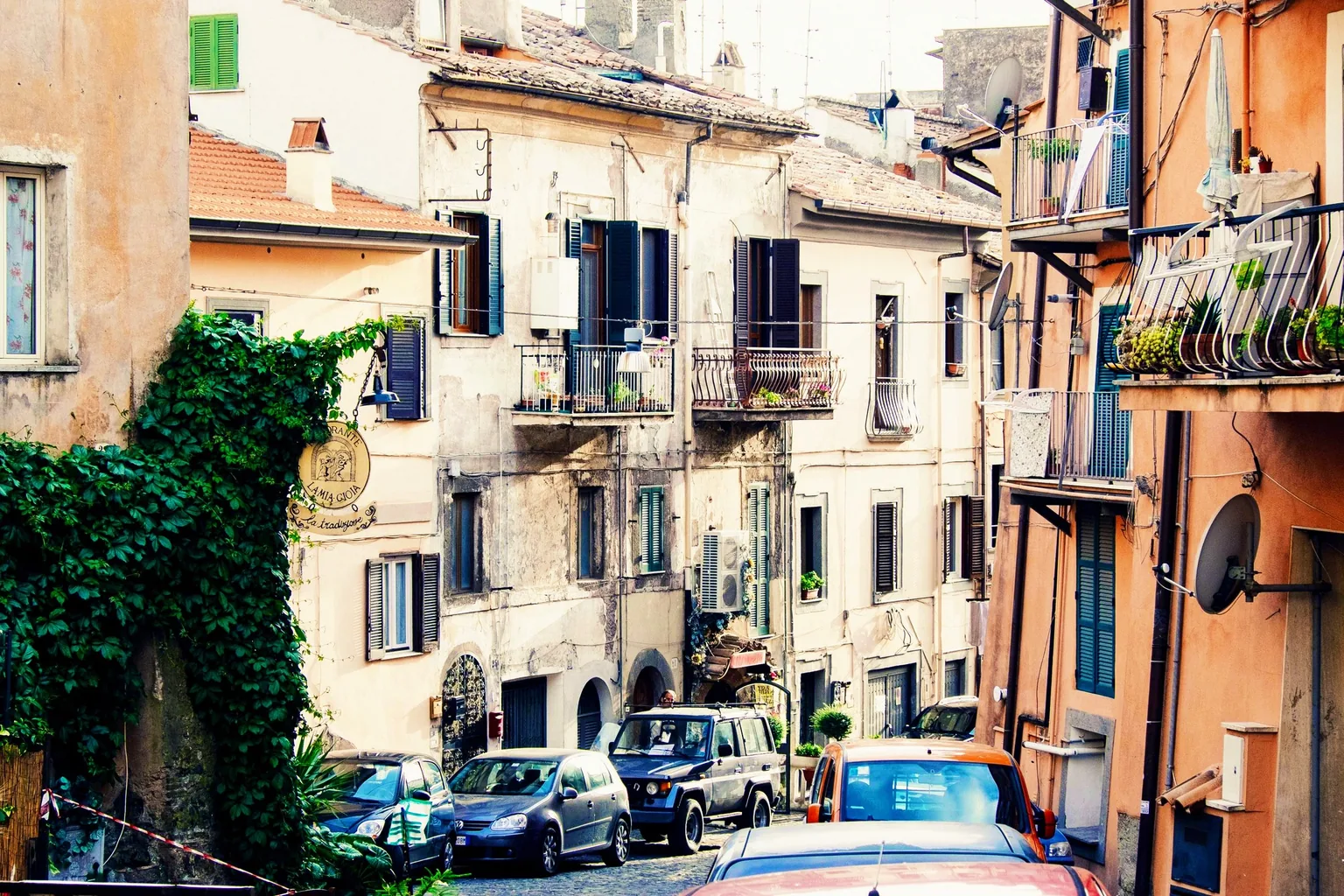
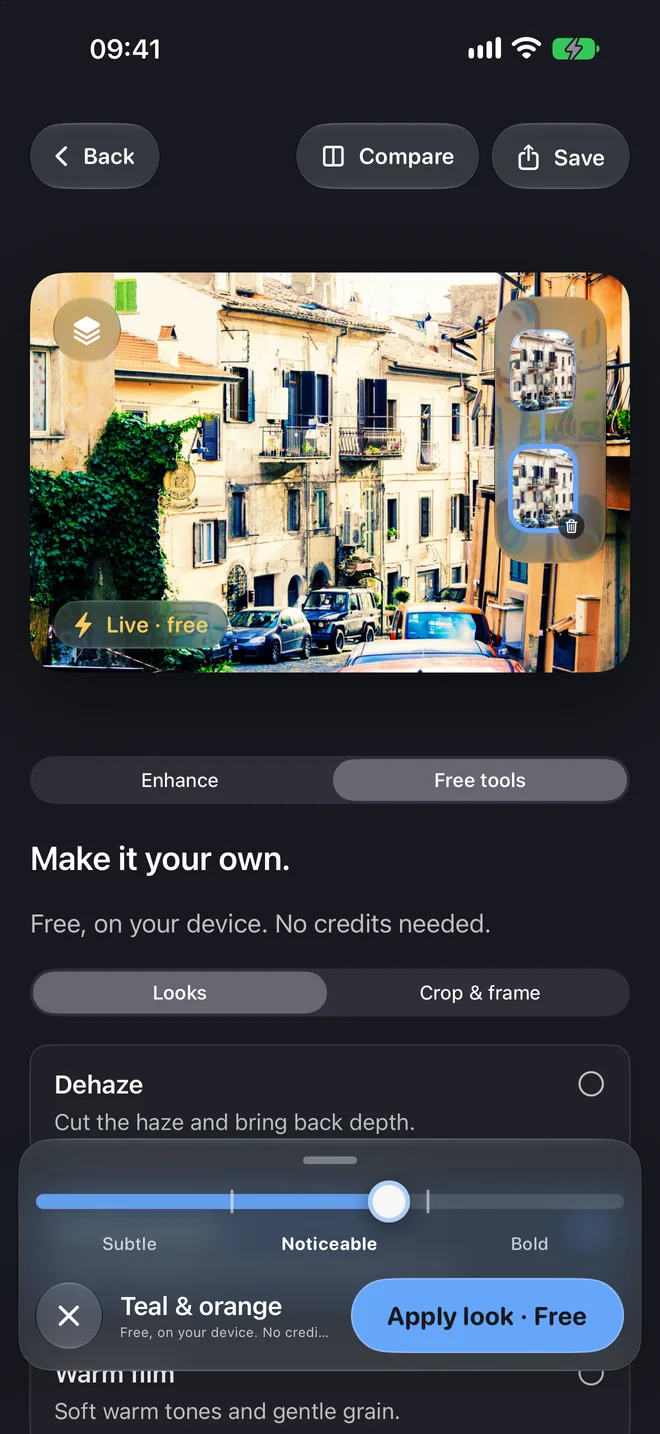
iPhone, iPad and Mac
Designed for touch, trackpad and keyboard. One app on the App Store for all three, and one Fotogenica Pro subscription covers every device with the same Apple Account.
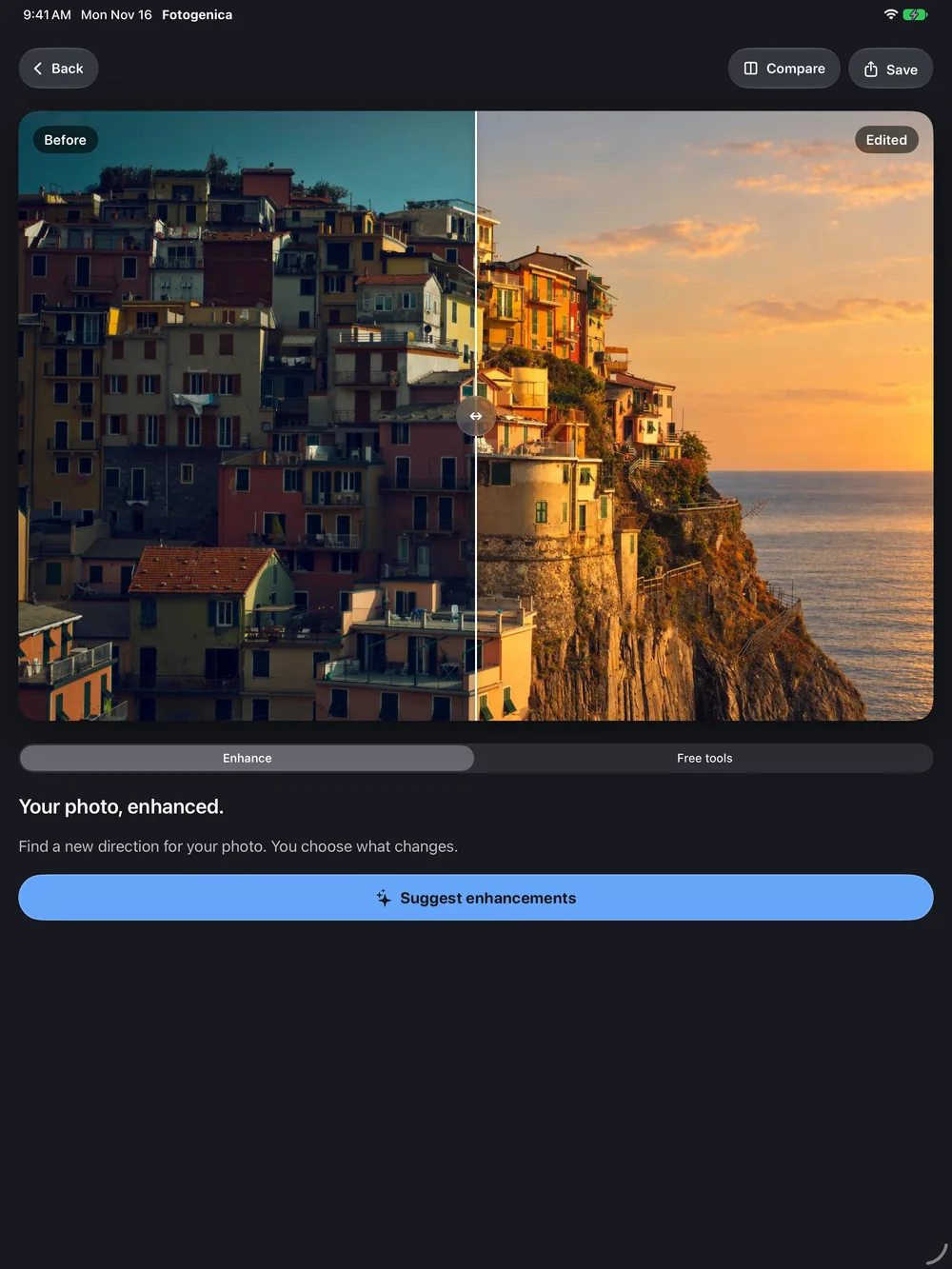
Swipe through versions, press and hold for the original, and tuck the controls away to see the whole photo.
iOS 26+A big photo on top and the studio below in portrait, side by side in landscape. Drag photos in from Files.
iPadOS 26+A real Mac window: drop photos on it, ← → through versions, ⌘Z to step back, and full-screen viewing.
macOS 26+On iPhone
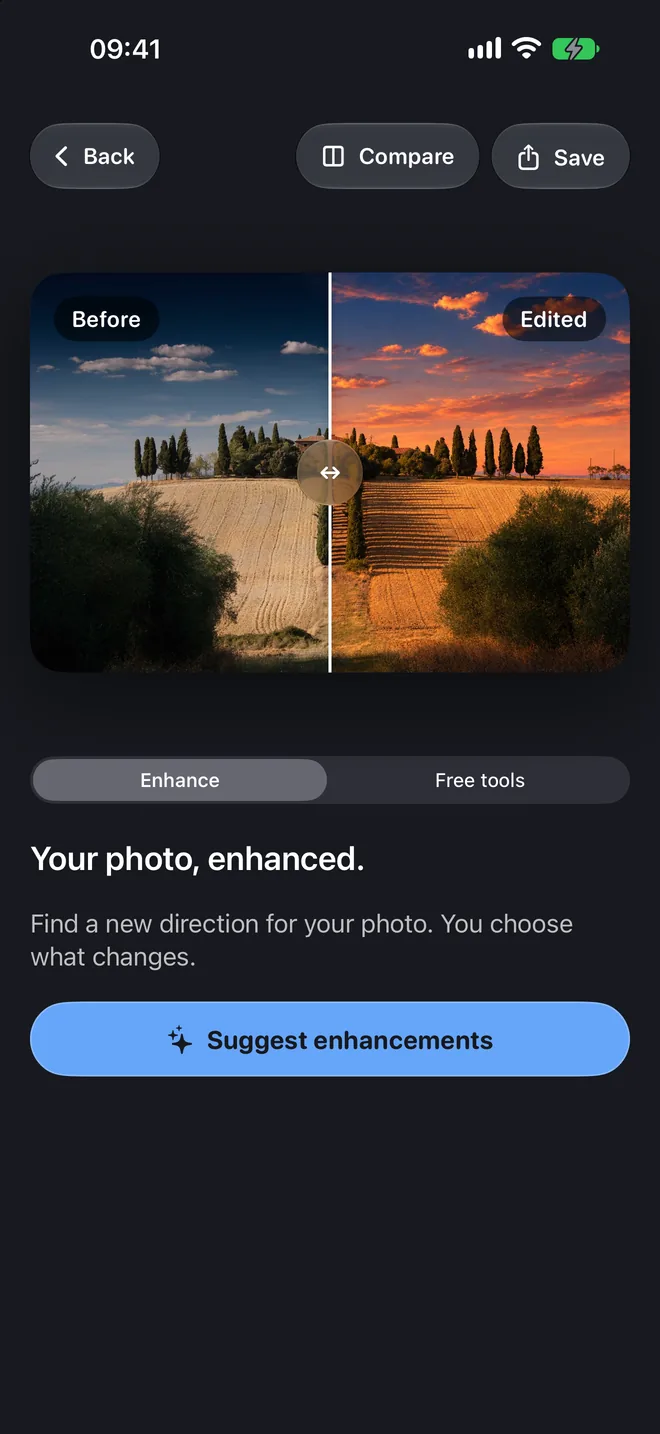
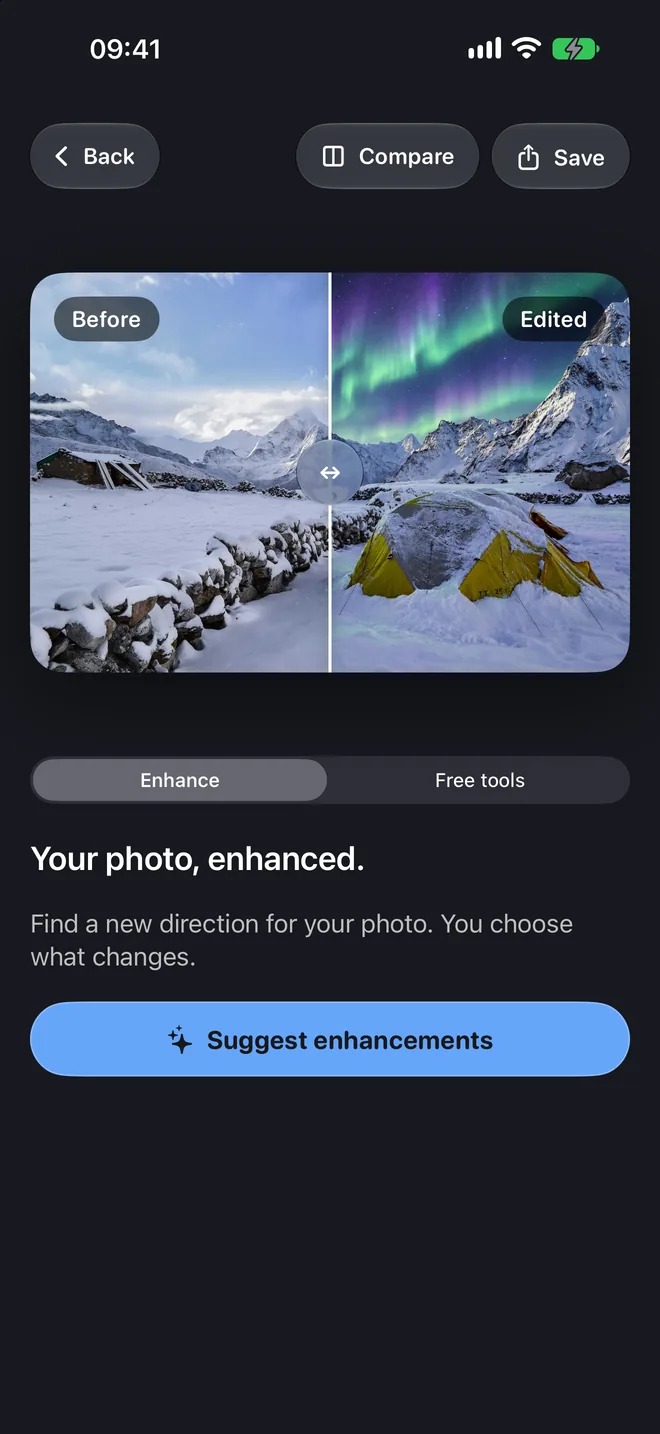
Real captures of the app. The photos are Unsplash stock images, edited by Fotogenica.
Privacy
Your library and every version stay on your device. A photo leaves it only when you ask Luna for ideas or apply an AI edit, and only after you have agreed, naming the AI providers that will see it.
Read the privacy policyCredits and Pro
Free download
Monthly or yearly
Fotogenica Pro is an auto-renewing subscription, monthly or yearly, sold by Apple at the price shown in the App Store in your country. It renews unless you cancel at least 24 hours before the end of the period; if you cancel, Pro and your remaining credits stay until then. A failed edit gives its credits back.
Questions
Fotogenica is an AI photo studio for iPhone, iPad and Mac. Luna, its AI assistant, suggests edits for each photo: a new sky, better light, a cleaner scene or a natural glow-up. You apply them with a tap and compare before and after with a slider. Free looks and crops run on your device.
Yes. The download, every free look and the crop are free, and the free plan includes 20 AI credits every week. A preview costs 1 credit and a full-quality edit 5. Fotogenica Pro adds 300 credits a month.
No. Your library stays on your device. When you apply an AI edit, the photo goes to our server and our AI provider only to make that edit, and our server deletes it as soon as the result is delivered, within a day at most.
Image edits are made with OpenAI’s image models. If OpenAI declines or fails, Fotogenica can try Alibaba Cloud’s Qwen models instead; turn on “OpenAI only” in Settings to prevent that. The app asks for your consent, naming both, before the first photo is sent.
A realism dial controls how far each edit goes, and every effect is designed to keep the scene believable. You compare before and after on every result, and if you do not like it, the original and every earlier version are still there.
Yes, with care. Glow-up edits on a person ask you to confirm that it is you or that you have their permission. Fotogenica never changes body shape, weight or age.
Cancelling only stops the renewal. Pro and the credits you have left stay until the end of the period you paid for. If Apple refunds a payment, the credits of that period are removed.
Yes. Fotogenica is one App Store app for iPhone, iPad and Mac, designed for touch, trackpad and keyboard. A Fotogenica Pro subscription covers all your devices with the same Apple Account.

Fotogenica
Made in Milan by Calogero Cascio, an independent developer.