No plugin string reaches git’s command line
Branch, status, history, remotes and diffs are read through arguments the host builds. There is no place for a plugin to inject an option, which is why reading needs no permission at all.

Git in the sidebar
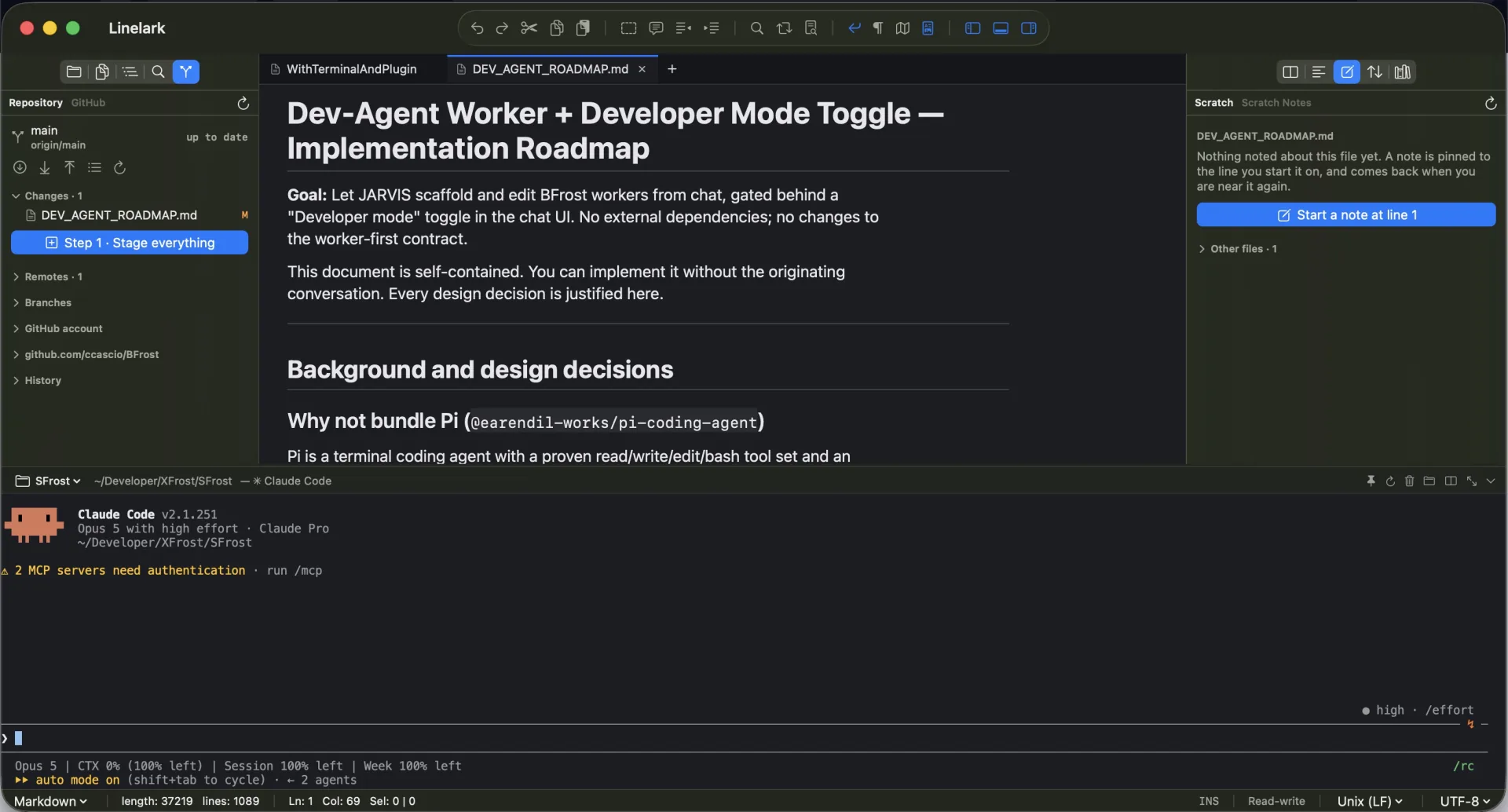
The interesting part of a git panel is the permission behind it. This page covers which calls exist at all, which ones you have to switch on yourself, and which ones were deliberately left out because a sidebar is the wrong place to finish them.
The mechanism
Two gates, no shell interpolation, and an omission list chosen so that nothing reachable from a panel can destroy work that is not already committed.
Branch, status, history, remotes and diffs are read through arguments the host builds. There is no place for a plugin to inject an option, which is why reading needs no permission at all.
The manifest declares "git": "write"; you grant it in Manage Plugins. Consent is recorded against a fingerprint of the capabilities you agreed to and read at the moment of each call, so an update that asks for more has to ask again, and revoking stops a plugin already running.
Never as an argument. Paths, refs, remote names and remote URLs are refused outright if they could be read as options.
A field node with an onSubmit handler is what makes a commit message possible in a sidebar. The plugin supplies the initial value and the view owns what is typed after it, so a redraw does not take half a sentence away.
Discarding tracked edits and removing a remote are confirmed by Linelark itself, in front of the call. A plugin cannot show that dialog and one that could would be the wrong thing to trust with it.
A plugin hands over a unified diff and the editor draws the two versions side by side, aligned, numbered in their own files, with long lines wrapped. A plugin that offers merges adds arrows down the middle.
Fetch, pull, push and the async readers run off the main thread, so a panel does not freeze the editor while the network is slow.
Specifics
The right-hand column is not a roadmap. Each omission is either destructive or leaves the tree in a state a sidebar cannot finish, and the terminal is one keystroke away.
| In the API | Not in the API |
|---|---|
| Stage, unstage, commit | Merge, rebase, cherry-pick |
| Fetch, pull (fast-forward only), push | Force push, reset, clean |
| Switch and create branches | Tags, stash, submodules |
| Add, retarget and remove remotes | Amend, per-hunk staging |
| Read branch, status, log, diff | Anything that rewrites history |
Read from the Linelark Studio 1.19.0 source, not from its documentation. Where the two disagree, this is the one that ships.
Before you rely on it
Nothing here destroys committed work. That is a narrower promise than “safe”, and the difference is worth reading.
Free, and staying free
Apple-notarized, macOS 14 and newer, Intel and Apple silicon.
Download Studio 1.19.0 8.7 MB · every version, with checksums