Each file keeps its own encoding
The file is decoded with the encoding it was stored in, the replacement is applied to the text, and it is written back with that same encoding and its original line endings. Nothing is normalised on the way through.

Find and replace in files
Most folder-wide replace tools read every file as UTF-8, write every file back as UTF-8 with LF endings, and hand you a diff full of changes you did not ask for. Linelark reads each file with its own encoding and line endings and writes it back the same way.
The mechanism
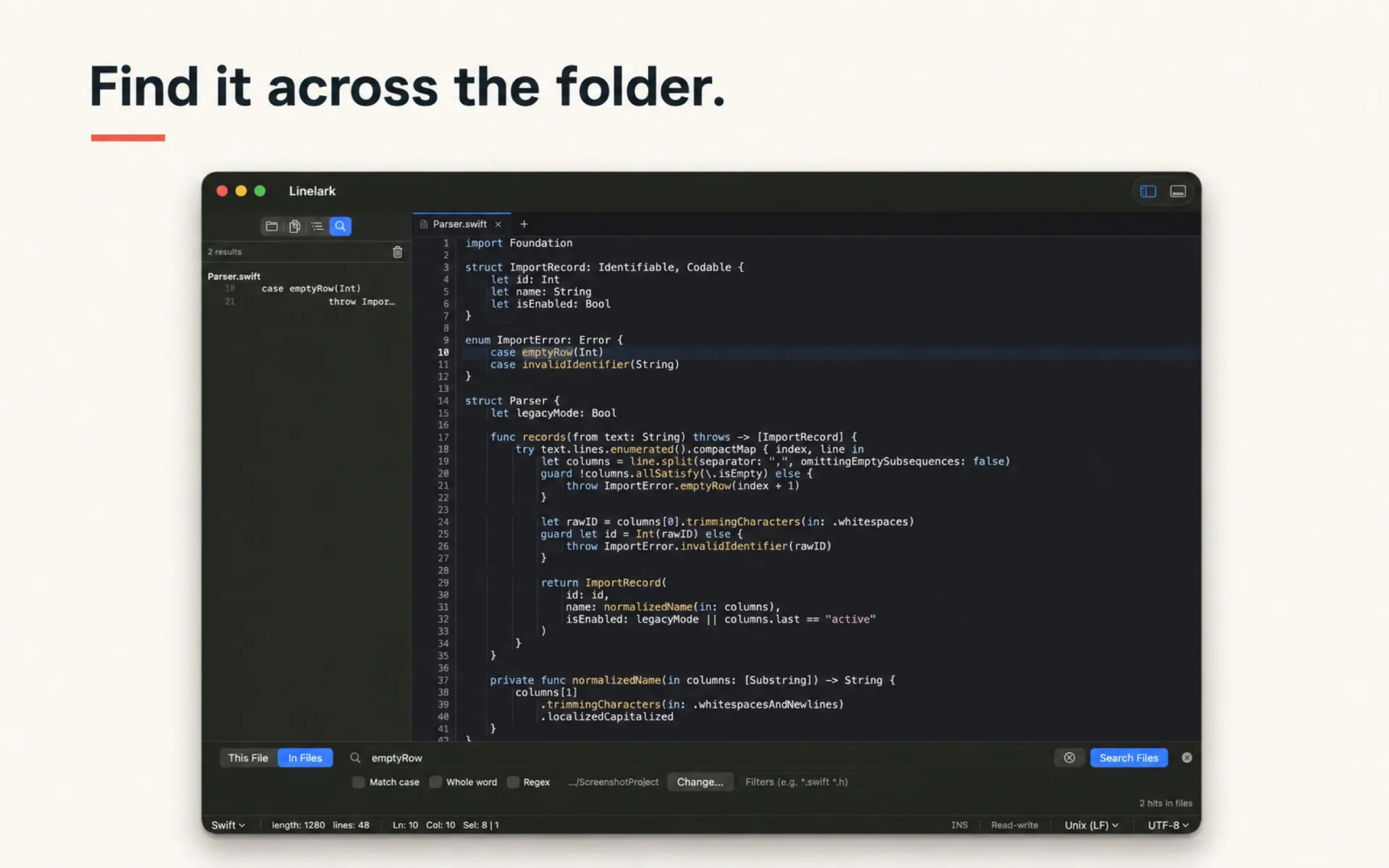
Find ▸ Replace in Files walks the open folder, decides which files are candidates, and rewrites only the ones that actually match. Each step exists to avoid a specific way that folder-wide replace goes wrong.
The file is decoded with the encoding it was stored in, the replacement is applied to the text, and it is written back with that same encoding and its original line endings. Nothing is normalised on the way through.
CRLF and CR files are normalised to LF *in memory* so a pattern matching across a line break behaves the same everywhere, then written back with the endings the file arrived with.
.git, .svn, node_modules, .build, build, DerivedData, .venv and __pycache__ are skipped whole — the enumerator does not descend into them, so a match inside node_modules cannot be rewritten by accident.
A NUL byte anywhere in a file’s first kilobyte is the standard giveaway, and any file carrying one is skipped before a regex ever touches it.
Buffers already open in the editor are excluded from the walk, so a folder replace cannot silently discard unsaved edits in a tab behind the dialog.
Directory enumeration yields /private/var while a hand-built URL says /var. Without collapsing that, the “skip this open file” guard would look like it worked and quietly do nothing.
Specifics
These are the real constants, not rounded ones. Knowing where a tool stops is what makes it trustworthy for a repository you care about.
| Behaviour | Value |
|---|---|
| Largest file considered | 4 MB. Anything larger is skipped by both search and replace. |
| Results returned by a search | Up to 5,000 hits across the folder, and up to 500 matches within any single file. |
| Pattern syntax | ICU regular expressions through NSRegularExpression, with case sensitivity and whole-word options. |
| File filter | Space, comma or semicolon separated. *.swift, swift and an exact filename all work. |
| Hidden files | Skipped. The enumerator runs with skipsHiddenFiles. |
| What a failed write does | The file is recorded in the report by name and the run continues. It is never left half-written. |
Read from the Linelark Studio 1.19.0 source, not from its documentation. Where the two disagree, this is the one that ships.
Before you rely on it
A folder replace is a destructive operation on files you have not opened. These are the cases where you should reach for something else.
Free, and staying free
Apple-notarized, macOS 14 and newer, Intel and Apple silicon.
Download Studio 1.19.0 8.7 MB · every version, with checksums