Folder-wide search
Search a whole folder.
Search every file in a folder when you ask, filter what comes back, and jump from match to match. Nothing runs in the background between searches.
01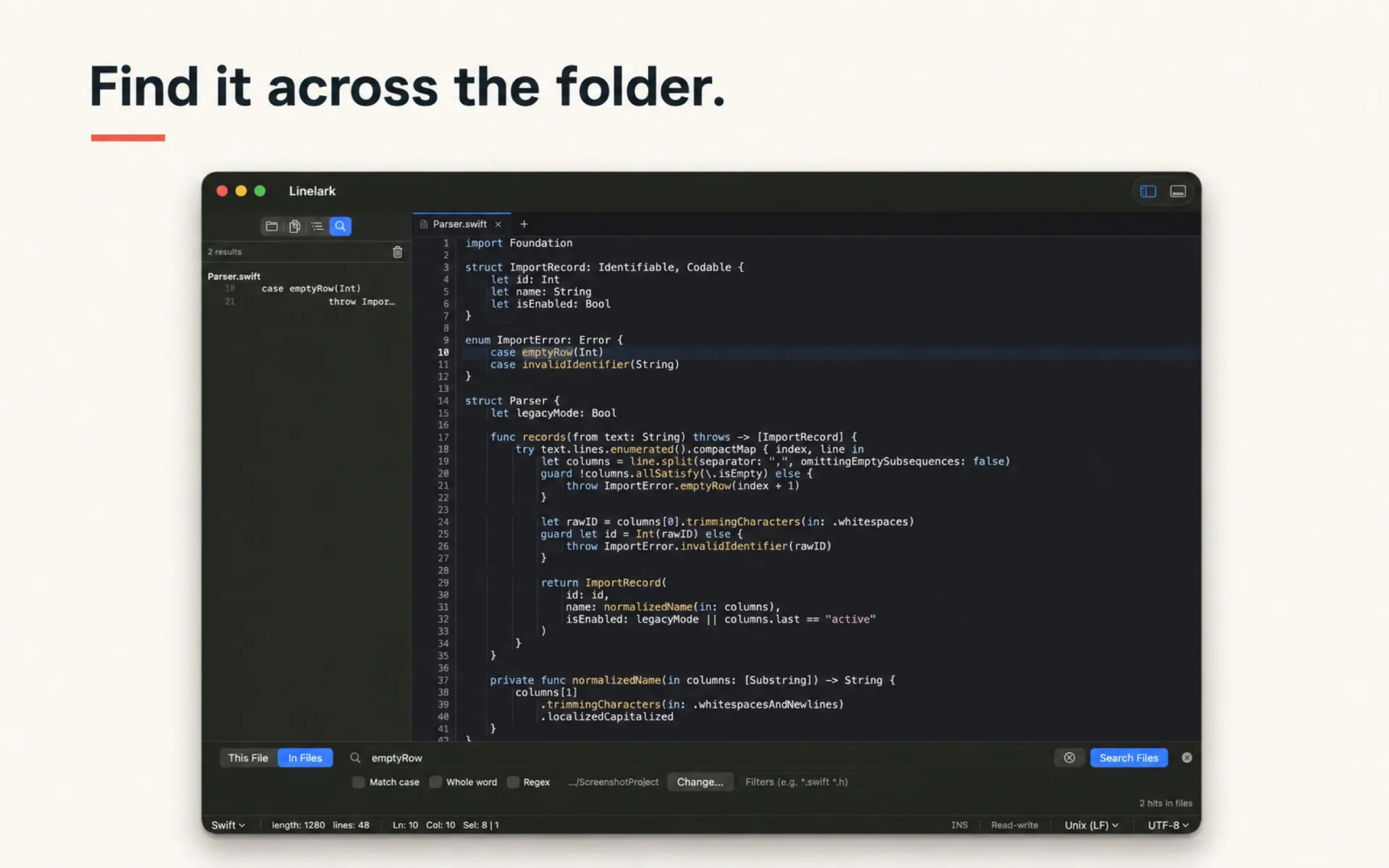

Open a file, a folder, or a whole project. Linelark launches in a moment, remembers where you left off, and keeps your files and a terminal in one native Mac window.
Overview
Linelark is for the files that need more than a quick edit. You get highlighting for 69 languages, folder-wide search, split panes, and session restore, without setting up a project first.
A closer look
Nothing here is a mockup. Scroll, swipe, or use the arrows.
Search every file in a folder when you ask, filter what comes back, and jump from match to match. Nothing runs in the background between searches.
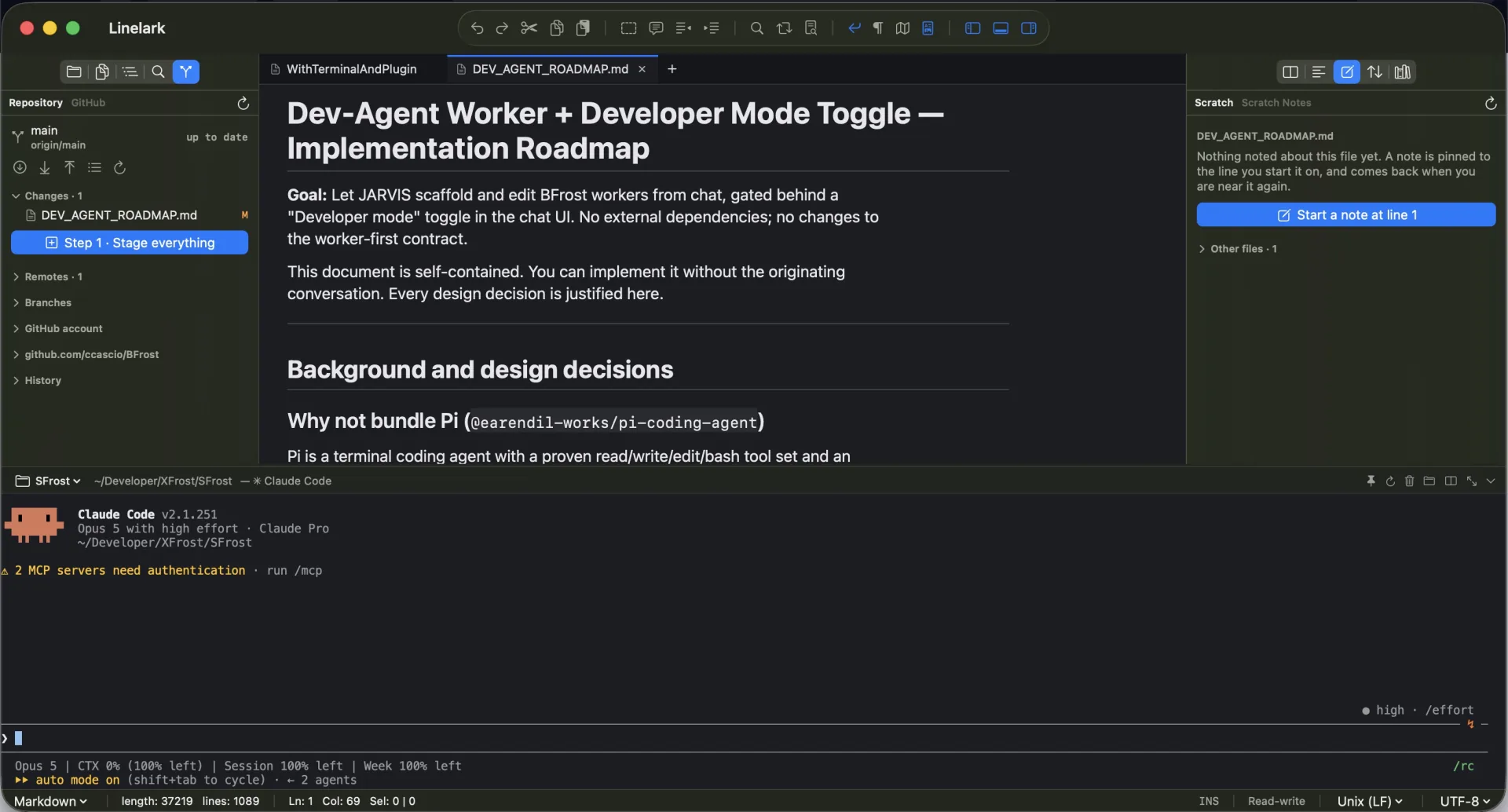
01Put the same file or four different ones side by side. Every pane keeps its own cursor, selection, and scroll position.
02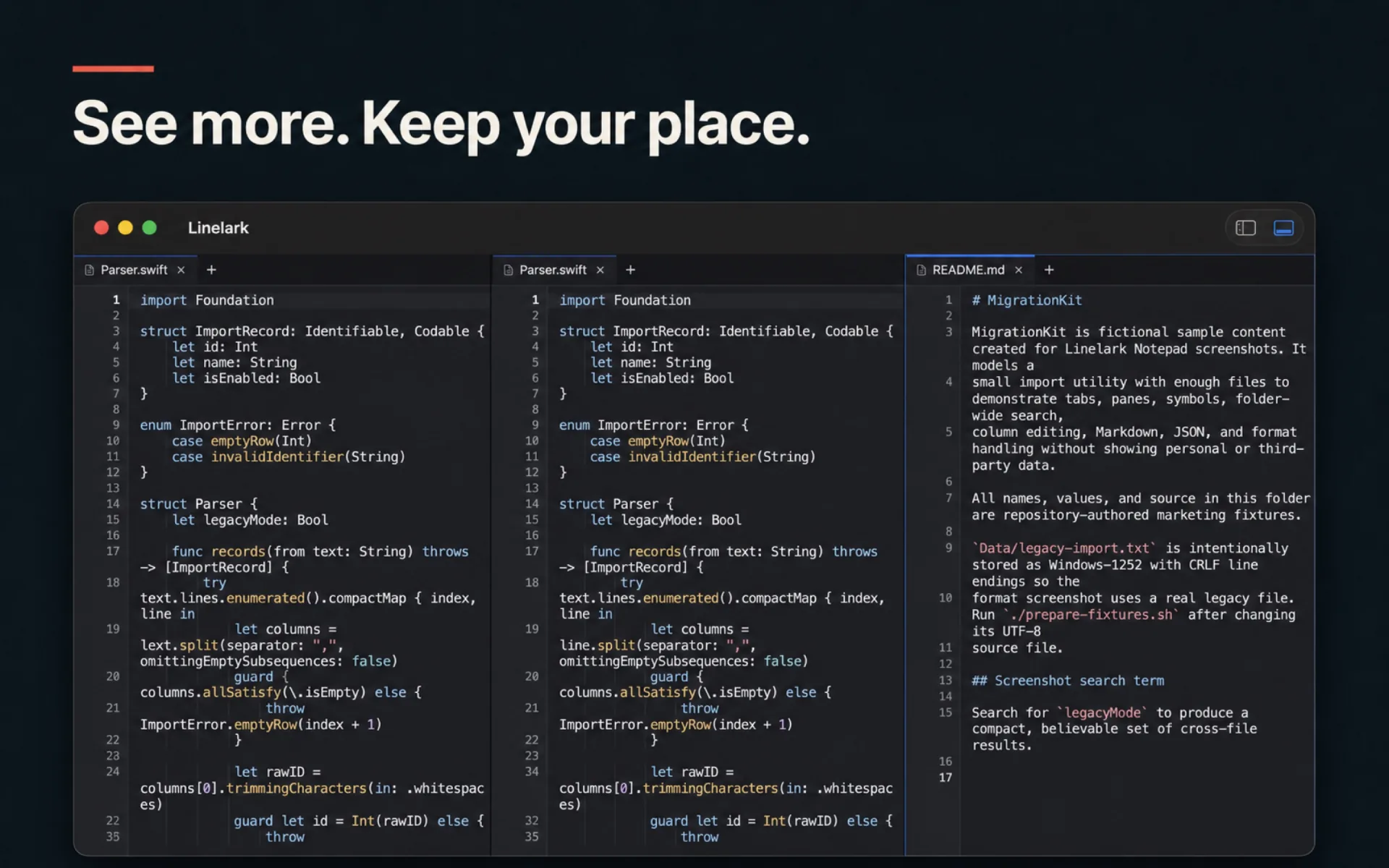
Claude Code runs in the right dock and reads your open tabs as you have typed them, unsaved edits included. Anything it wants to change arrives as a diff to approve, and lands in the buffer — so one undo takes it back and you decide when to save.
03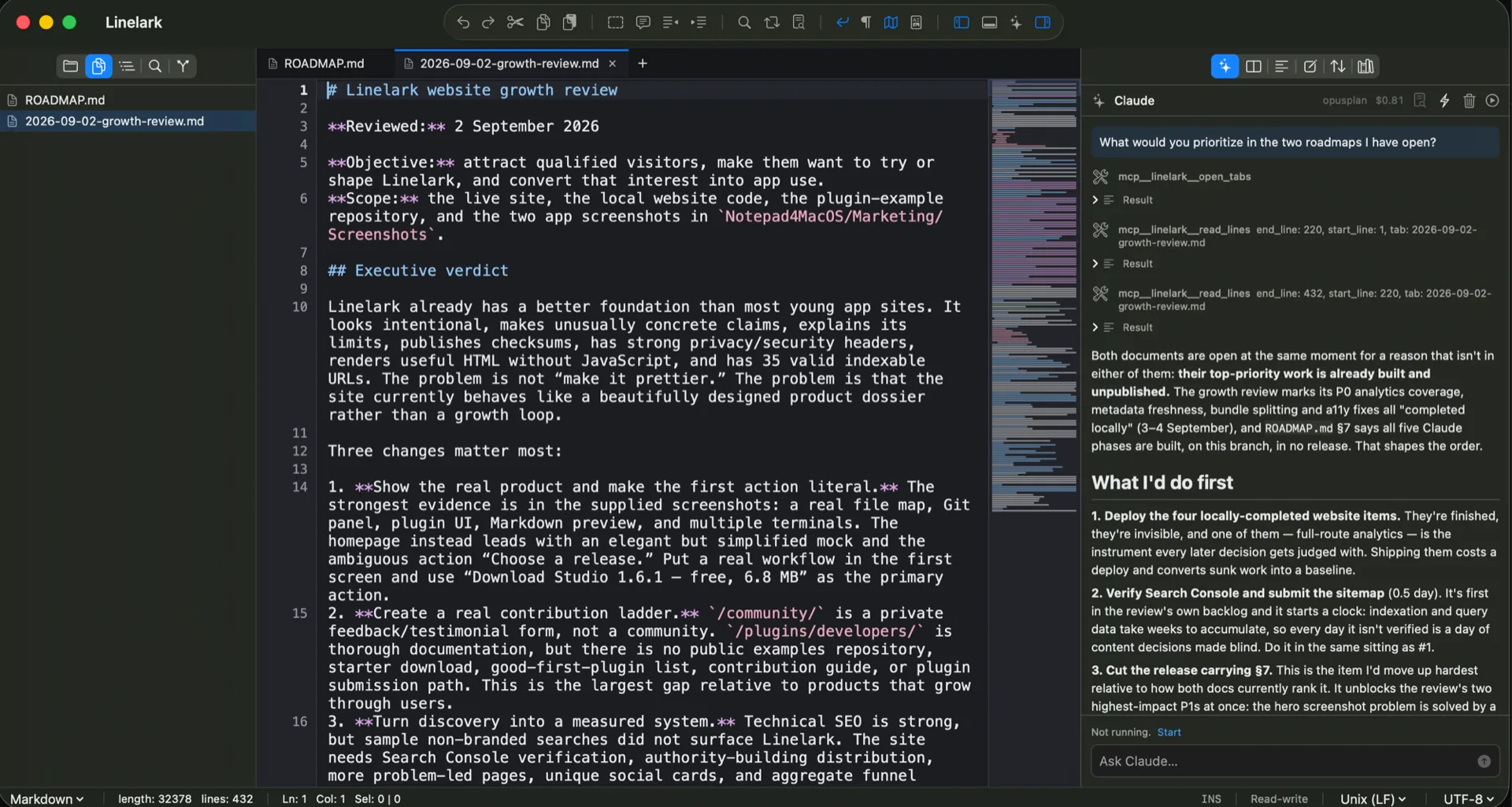
Git, Scratch Notes, and other plugin panels sit in the right dock next to a live Markdown preview, with a terminal open on the file you are editing.
04The document map and a reviewed formatting plugin sit above two terminals bound to the project folder, in the same editor window.
05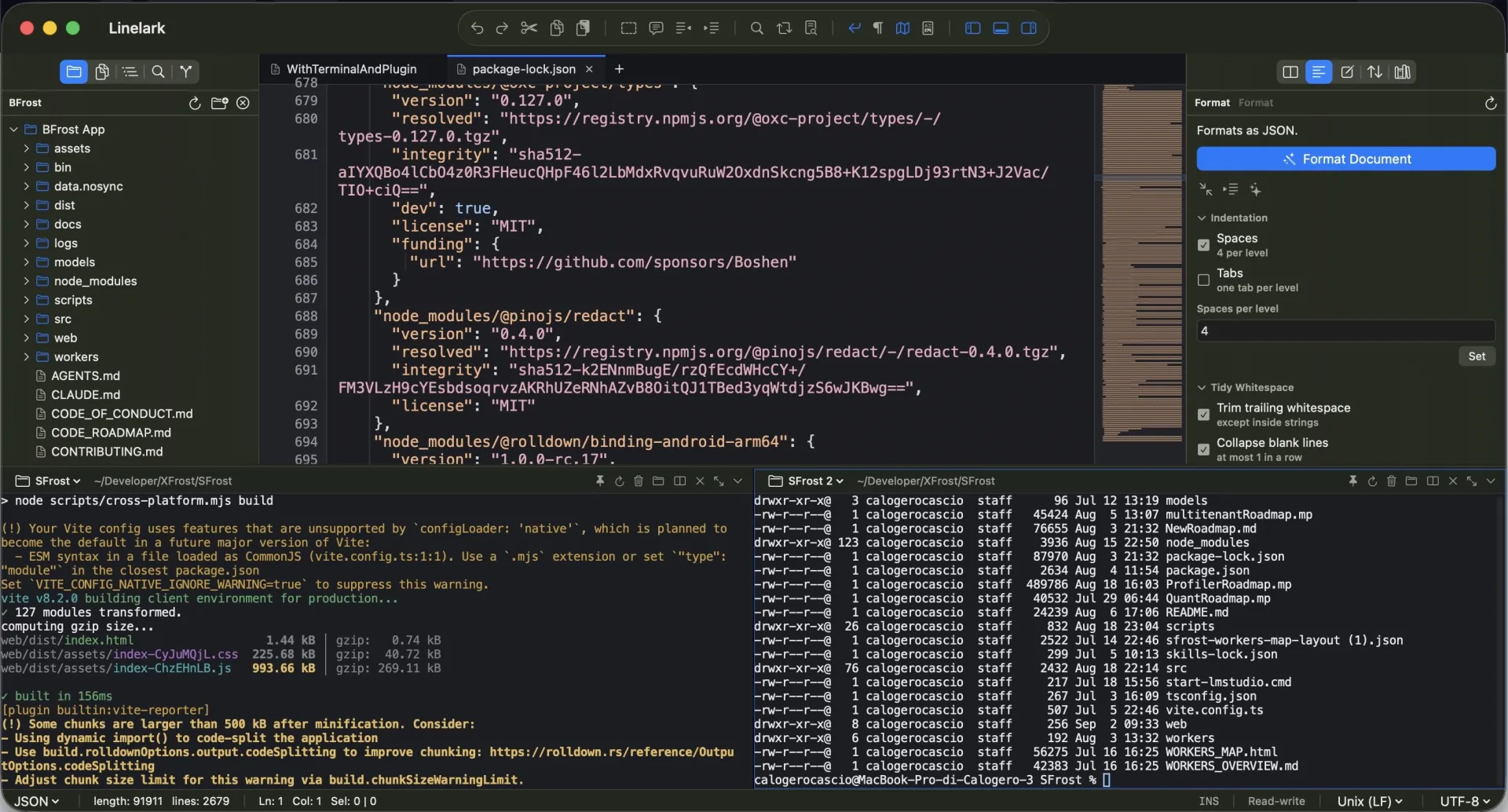
Select a rectangle of text, or open the Column Editor to insert the same text on every line and generate numbered sequences.
06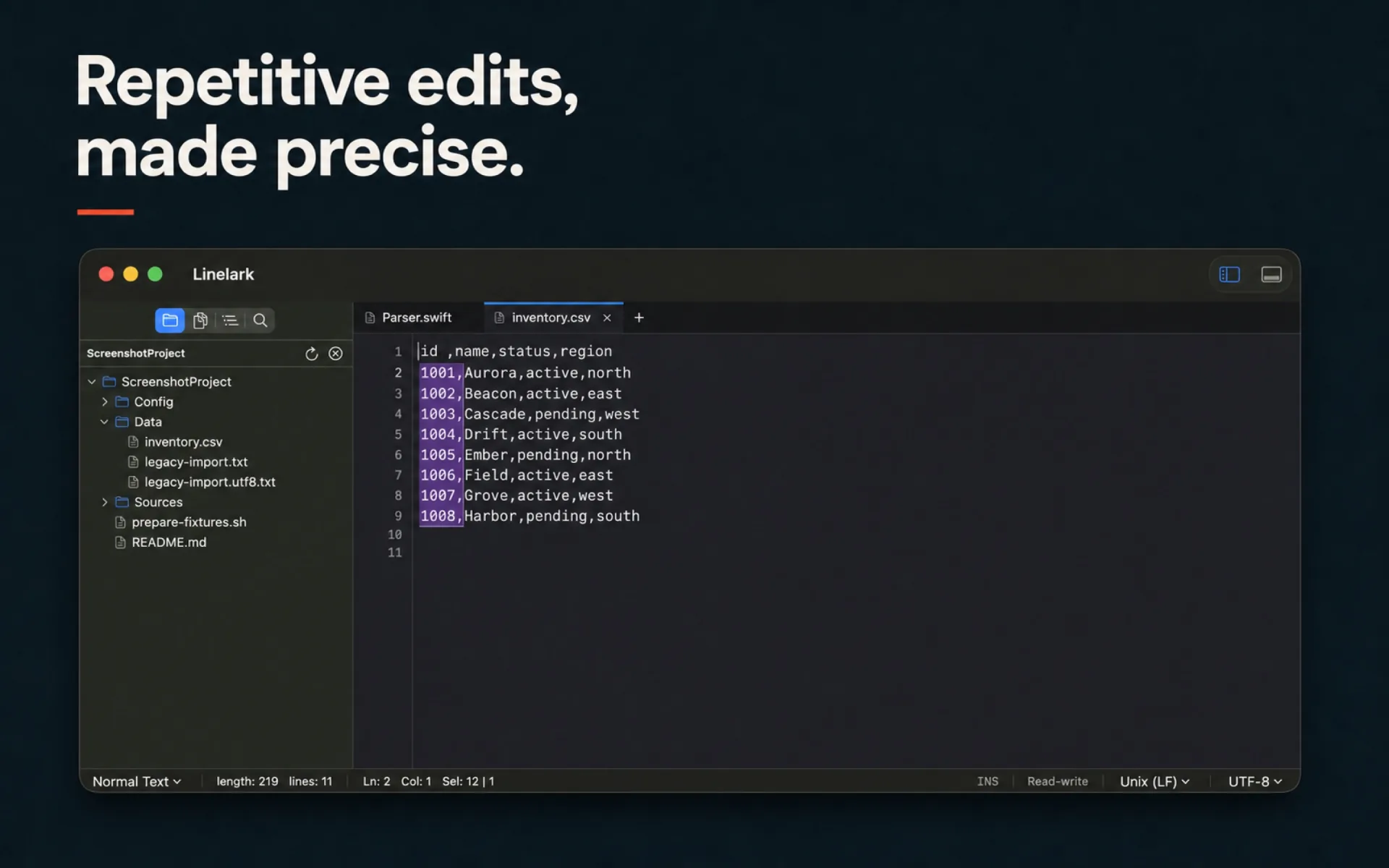
Linelark reads the encoding and line endings when a file opens, keeps them when you save, and converts them when you ask it to.
07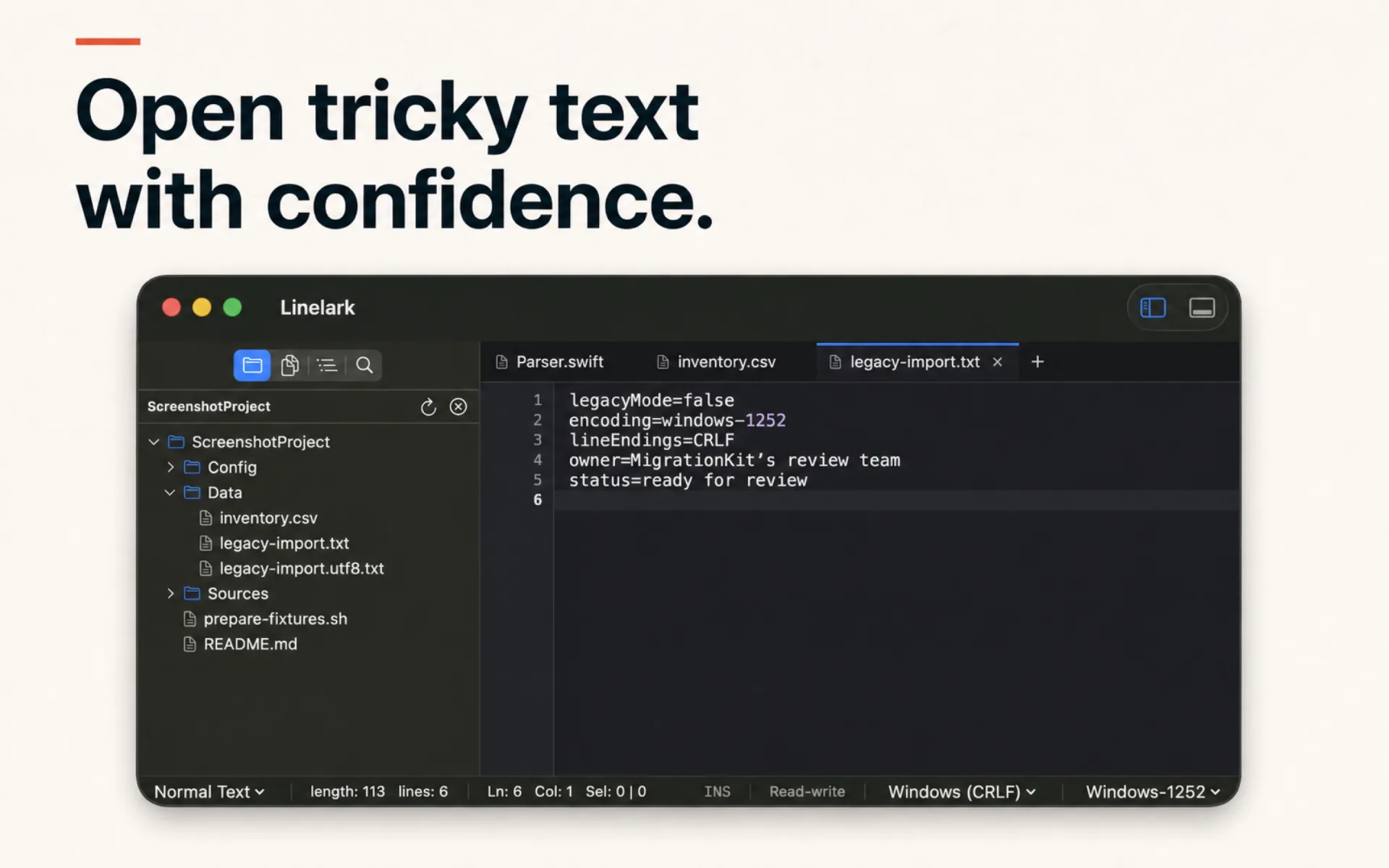
The folder tree, your open files, and the current file’s functions stay along the edges. The editor keeps the middle.
08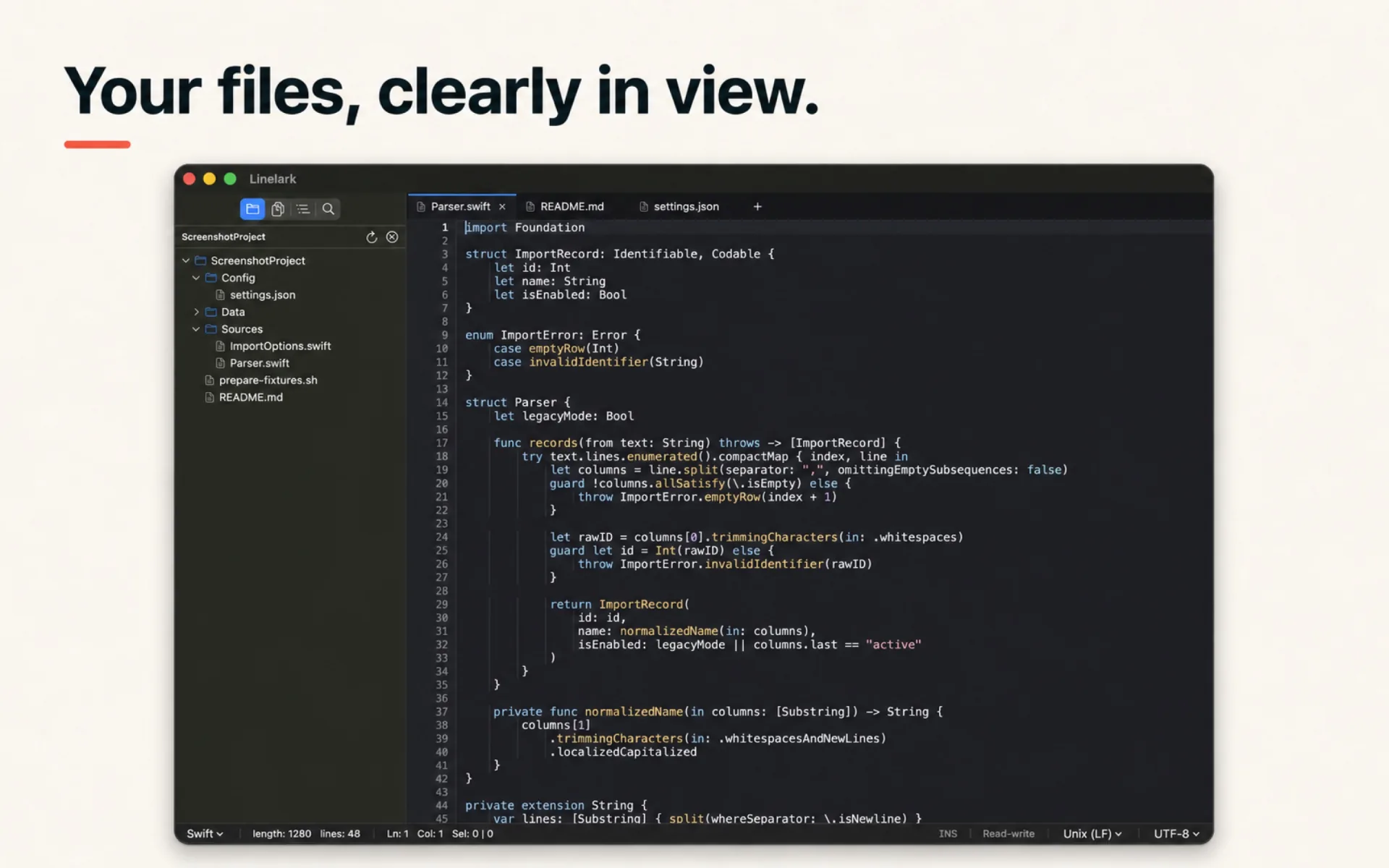
Switch themes to suit the room or the file in front of you. Syntax colours are drawn separately for each one.
09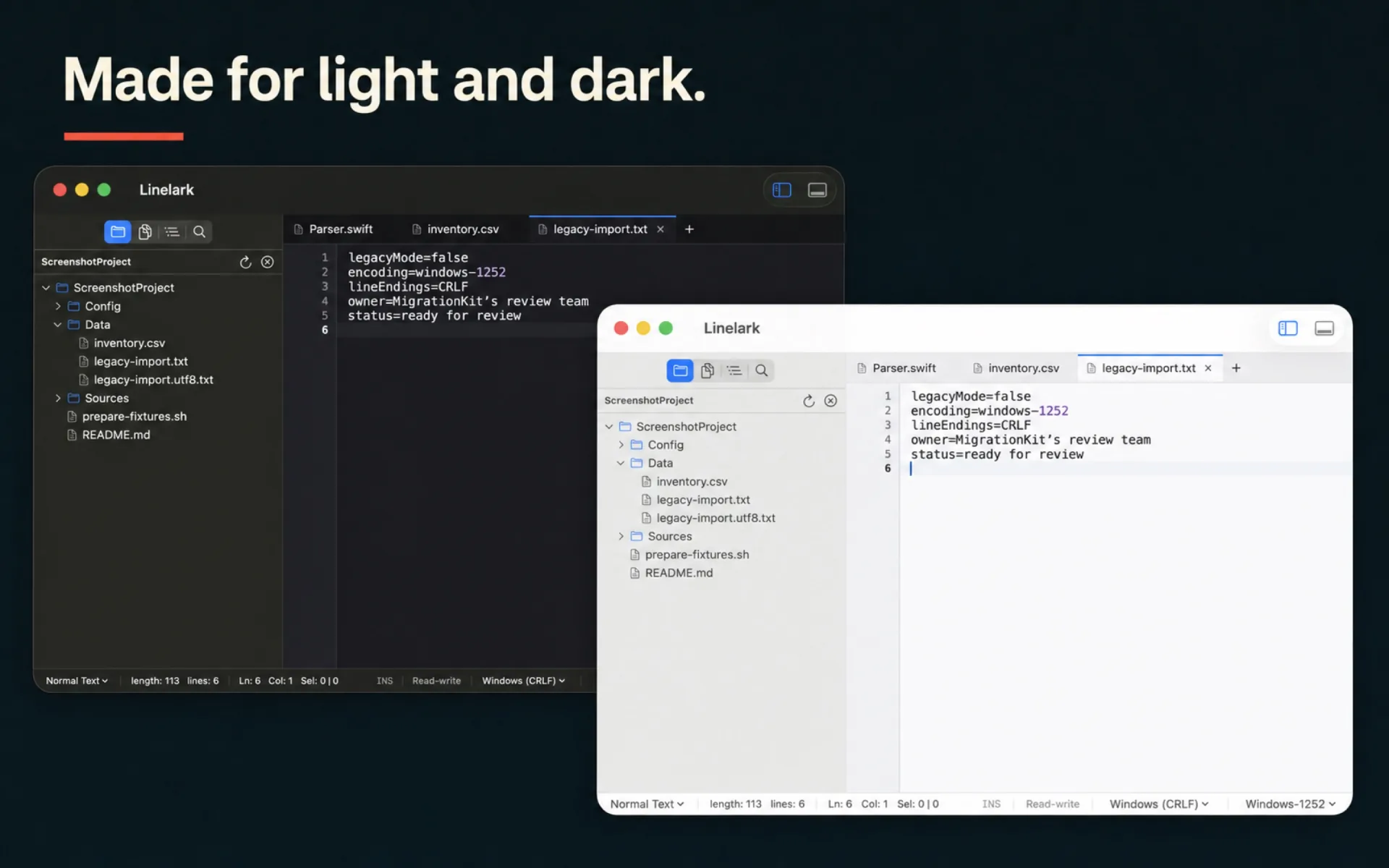
Performance
Linelark is written in SwiftUI and AppKit. There is no bundled browser runtime, and it searches folders when you ask rather than indexing your project in the background. That keeps launch quick and idle memory low.
Memory use grows with open files, panes, and running terminal sessions.A 8.5 MB download. No installer and no sign-in.
Search, extra panes, and terminals open when you need them.
Open tabs and unsaved edits are snapshotted while you work.
Documents, unsaved changes, and pane layouts come back.
Measured
After 2 h 34 min of real work, Linelark Studio reported a 70.3 MB physical footprint. Activity Monitor showed 69.9 MB for the same process.
One observed session on Apple M5 Pro · 24 GB. Files, panes, plugins, and active terminals all change memory use.See how we measured itPhysical footprint
Apple silicon + Intel
SwiftUI + AppKit
Encodings and line endings
Linelark reads the encoding and line endings when a file opens and writes them back the same way. If the guess is wrong, reinterpret the file before a single byte changes.
Only in Studio
Open the panel and the shell starts in the folder of the file you are editing. Switch tabs and the terminal switches with it, using your own login shell and environment.
Editions
Both editions are free. There is no subscription, no paid tier, and no account to create. The Mac App Store edition runs inside Apple’s sandbox. Studio adds full file access and the terminal.
Mac App Store edition
Direct from Linelark
The Store edition stays inside Apple’s sandbox. Studio has the direct file access and the terminal that developer work needs.
| Capability | Mac App Store | Studio |
|---|---|---|
| Availability | On the Mac App Store | Studio 1.17.1 available now |
| Core editor | Complete editor | Complete editor |
| Files and folders | Sandboxed access you choose | Direct developer workflows |
| Formats | 11 encodings · LF / CRLF / CR | 11 encodings · LF / CRLF / CR |
| Pane layouts | Two, three, or four panes | Two, three, or four panes |
| Windows | Multiple, each restored | Multiple, each restored |
| Workspaces | Multi-root .code-workspace | Multi-root .code-workspace |
| Per-tab terminal | Not included | Included, split up to three ways |
| Claude Code | Not included | In the right dock, reading your open buffers |
| Reviewed plugins | Manual container install | Catalog and local ZIP install |
| Plugin network and git | Not included | Declared, then granted by you |
| Updates | Through the Mac App Store | Signed direct releases |
| Account required | No | No |
Verify the downloaded disk image with shasum -a 256.
e58a461899ec54e88c655b10fae4c74269dd9a7677ec2730407788240470c2c2Good to know
Apps on the Mac App Store must run in Apple’s sandbox, which a terminal cannot do. Studio is distributed directly, so it can use your shell and reach your files.
Yes, and both editions stay free. There is no subscription, no paid tier, and no account. Independent developers may sell optional plugins on their own sites.
Yes. A folder or a multi-root .code-workspace file opens as the project it describes, honouring its root names and its files.exclude and search.exclude rules, and Linelark can write one back. Read how workspaces work here.
No. Document contents, file paths, and terminal input stay on your Mac, and there is no account to sign in to.
Studio 1.17.1 targets macOS 14 Sonoma or newer on Apple silicon and Intel Macs.
Get started
Linelark Notepad Studio 1.17.1 runs on macOS 14 Sonoma and newer.
Download Studio 1.17.1