An environment variable alone would do nothing
The terminal panel already exports Linelark_FILE into every shell. But an agent does not go looking through the environment for things, so on its own the variable is inert.

Working with an agent
An agent in a terminal knows its working directory. It does not know which of the four hundred files under that directory you are actually staring at — so you paste the path, every session, forever. Linelark installs a hook that removes that step.
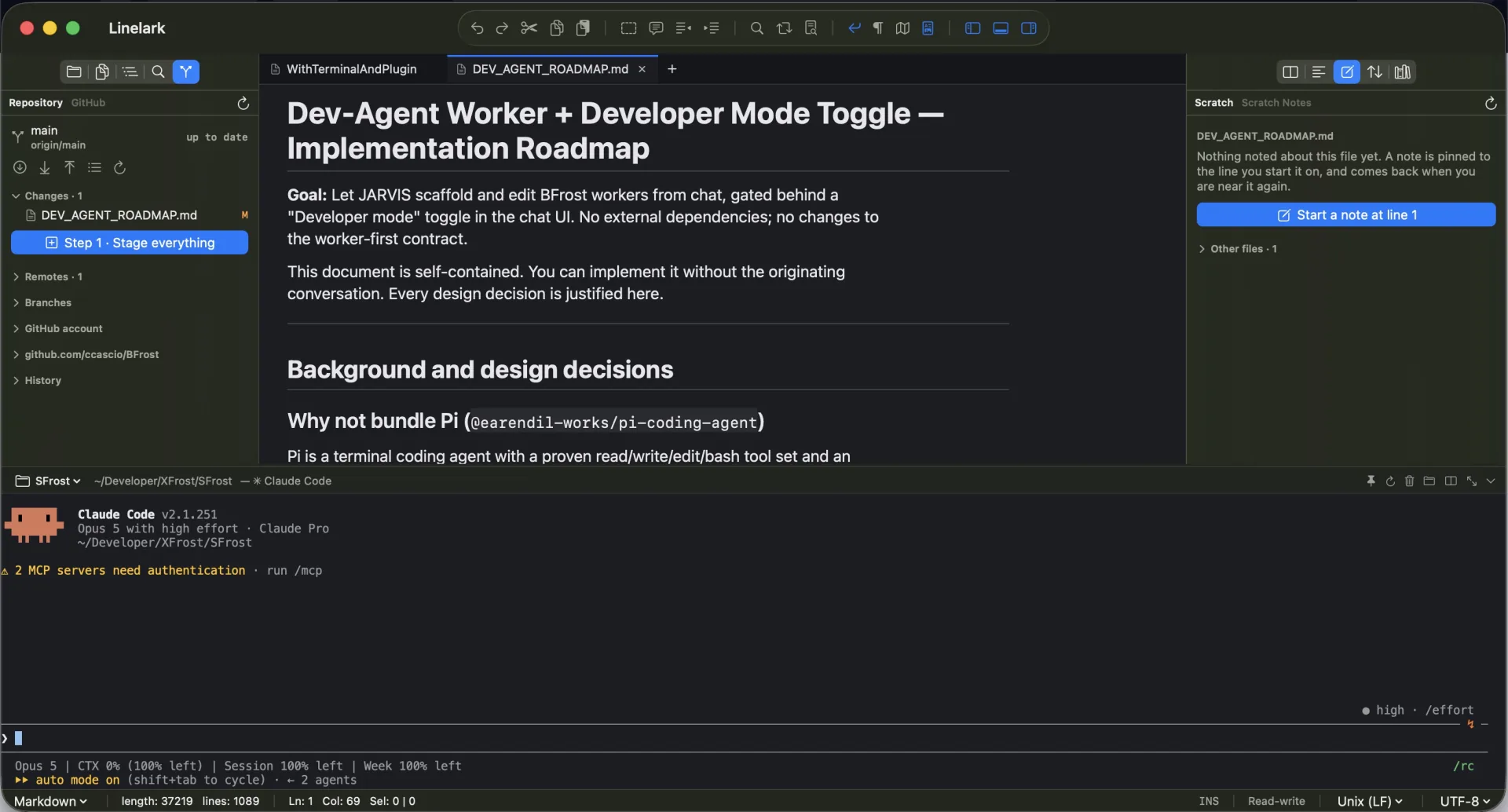
The mechanism
Terminal ▸ Set Up Claude Code Integration… asks first, because it writes into ~/.claude — your own global agent configuration, not application state Linelark owns.
The terminal panel already exports Linelark_FILE into every shell. But an agent does not go looking through the environment for things, so on its own the variable is inert.
Claude Code runs the hook at the start of a session and injects whatever it prints as additionalContext. That is the mechanism; the variable is only the input to it.
A hooks/Linelark-context.sh script and an entry in settings.json, both under ~/.claude. Nothing is written anywhere else and nothing runs before you agree to it.
The hook runs before every Claude Code session on your machine, so it must not depend on a language runtime being installed and happens to be a few lines of shell.
If ~/.claude/settings.json is not valid JSON, the installer reports that and changes nothing rather than overwriting a file it could not parse.
It reports that the hook is already installed rather than appending a second copy.
Specifics
Everything the integration touches, so you can inspect or remove it by hand.
| Path | What it is |
|---|---|
| ~/.claude/hooks/Linelark-context.sh | The hook script. A few lines of bash that print the current file path as JSON. |
| ~/.claude/settings.json | Gains a SessionStart hook entry pointing at that script. Existing settings are preserved. |
| Linelark_FILE | Exported into every shell the terminal panel starts; the hook reads it. |
Read from the Linelark Studio 1.19.0 source, not from its documentation. Where the two disagree, this is the one that ships.
Before you rely on it
It is one small mechanism, and overselling it would be easy. Here is its actual shape.
Free, and staying free
Apple-notarized, macOS 14 and newer, Intel and Apple silicon.
Download Studio 1.19.0 8.7 MB · every version, with checksums