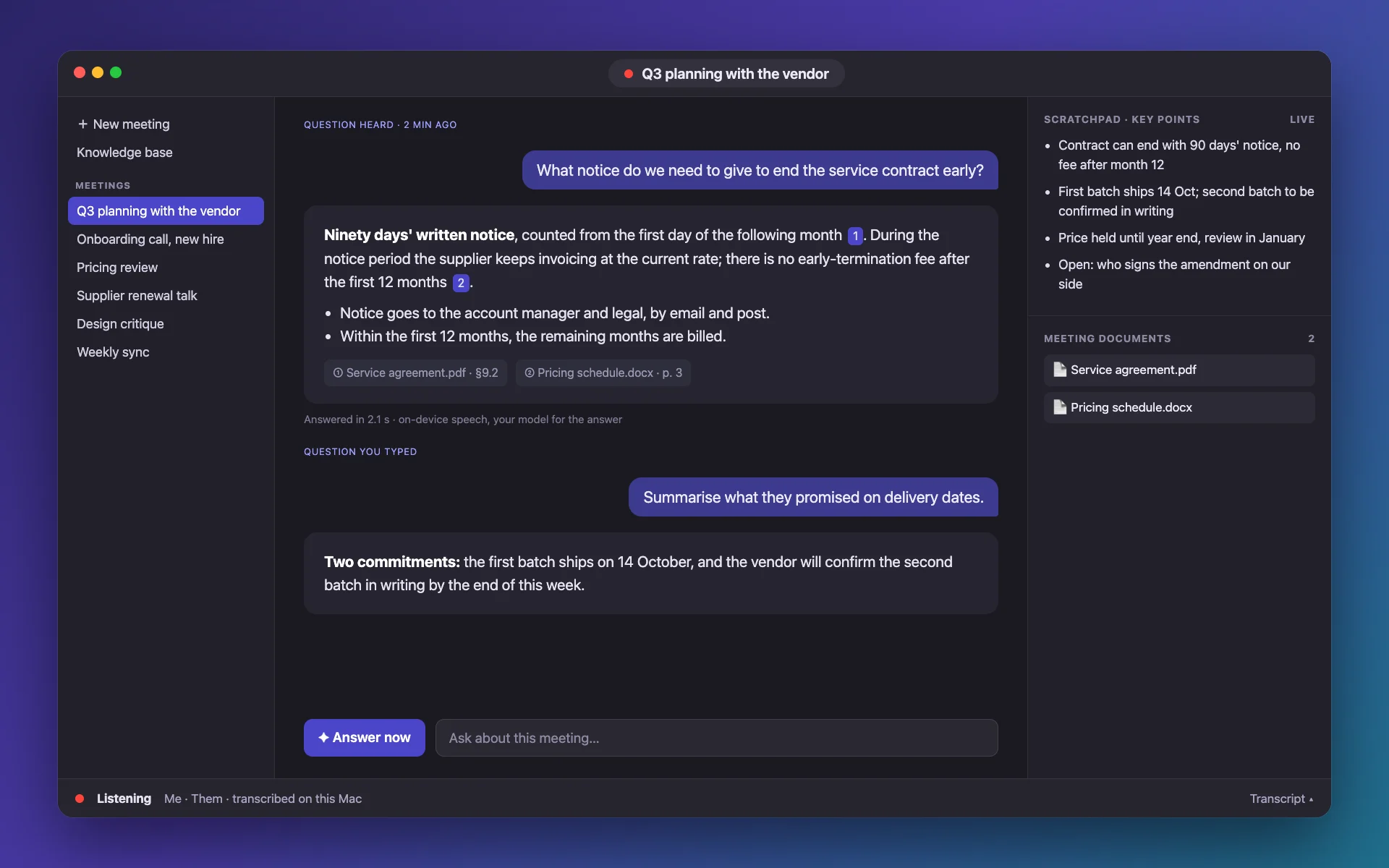
Meeting notes that are short enough to read during the meeting.
The scratchpad adds a few bullets as the conversation moves, never a copy of what was just said. When you stop, it closes with a recap and the decisions, actions and open questions it heard.
Direct download · version 0.1.0 · 3.6 MB · macOS 26 or later, Apple silicon · notarized by Apple.
An illustration drawn from the app’s layout, with fictional content.
How it helps
How it helps
Only what is new
Each update adds at most a handful of short bullets, skips repeats and filler, and leaves earlier notes untouched. A guard rejects a rewrite that would lose most of the list.
Key points in one line each
No repeats, no transcript copies
Add a focus, such as pricing and deadlines
Prompts tuned per model
Apple’s on-device model, GPT and Claude each get their own instructions, because a small local model and a large one need different handling to stay concise.
Apple on-device, ChatGPT and Claude
Different models for notes and answers
Notes in the language you pick
A recap when it ends
Stopping adds a compact summary with decisions, actions and open questions, a short meeting title, and a Markdown file with the notes, answers and transcript.
Decisions, actions, open questions
Short generated title, regenerate any time
One-click Markdown export
Questions
Are the notes written during the meeting?
Yes, live, a few bullets at a time, while the transcript scrolls. They can also be edited by hand.
Can I choose the language of the notes?
Yes. The language of the notes and of the answers is a setting.
How do I get the minutes out of the app?
Export the meeting as Markdown, with the notes, your questions and answers, and the transcript.
Does a long meeting stay readable?
Yes. The notes are capped and de-duplicated, so a two-hour meeting yields a list you can scan.