Mac
The native Mac app: subjects in a sidebar, notes and flashcards side by side, and shortcuts for everything.
Mac app coming soon
Record the lecture on your Mac, or drop in the recording from class. Class Notes transcribes it, writes your notes and builds the flashcards — and keeps every subject in step with the app on your iPhone and iPad.
Direct download for Mac · version 1.0 · 19.2 MB · notarized by Apple. This build signs in with email and password, and credits are bought in the App Store version or on iPhone; your balance is shared through your account.
The Mac app is on its way to the Mac App Store. Install the iPhone or iPad app today: it is the same purchase, and the same account will open on your Mac.
Encoding, storage and retrieval; why testing beats rereading.
Today, 09:30Markovnikov’s rule, with three worked examples.
YesterdayThe balance of power after 1815, and who it left out.
TuesdayBottom-up and top-down processing.
15 OctMemory works in three stages: encoding, storage and retrieval. Each can fail on its own, which is why “I studied it” and “I can recall it” are different claims.
Three kinds of memorySensory memory holds input for a moment.Working memory keeps a few items active.Long-term memory stores knowledge for later.Study smarterTest yourself before rereading your notesSpace review sessions over several days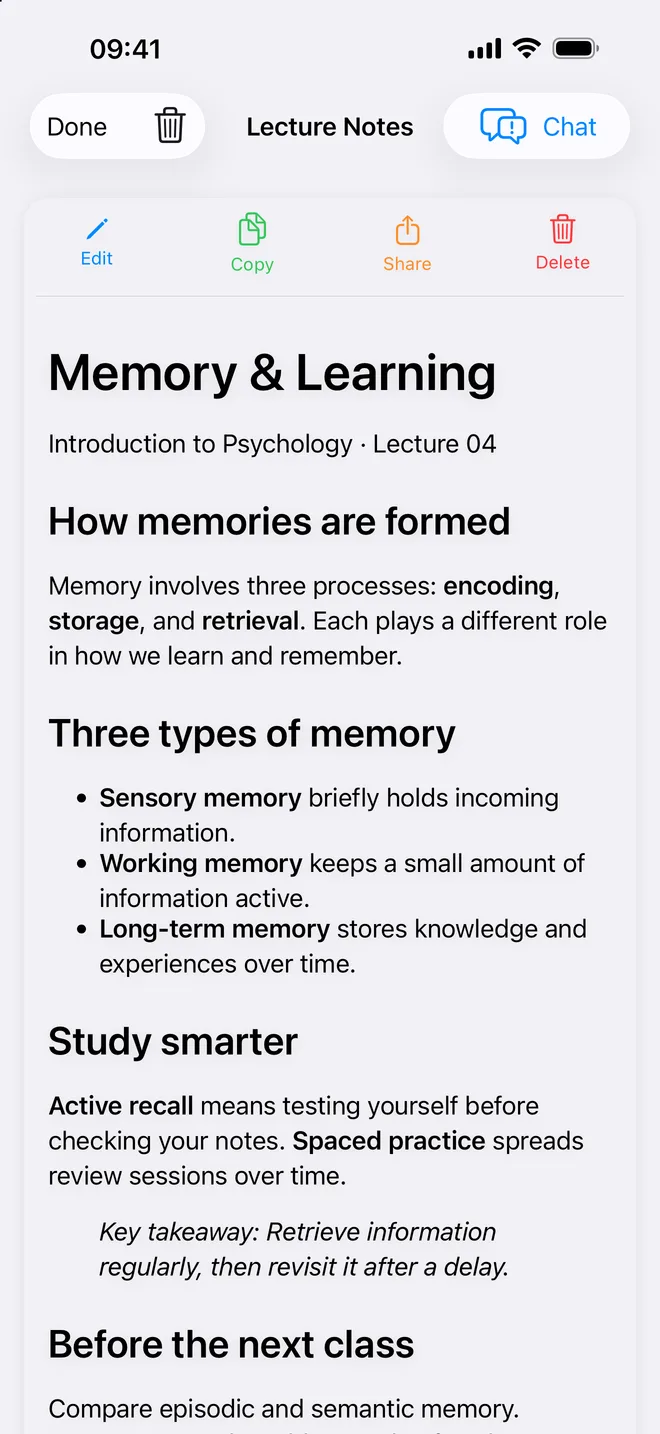
Where it runs
Three apps, one set of subjects. Record on whichever device is in front of you; study on whichever one you prefer.
The native Mac app: subjects in a sidebar, notes and flashcards side by side, and shortcuts for everything.
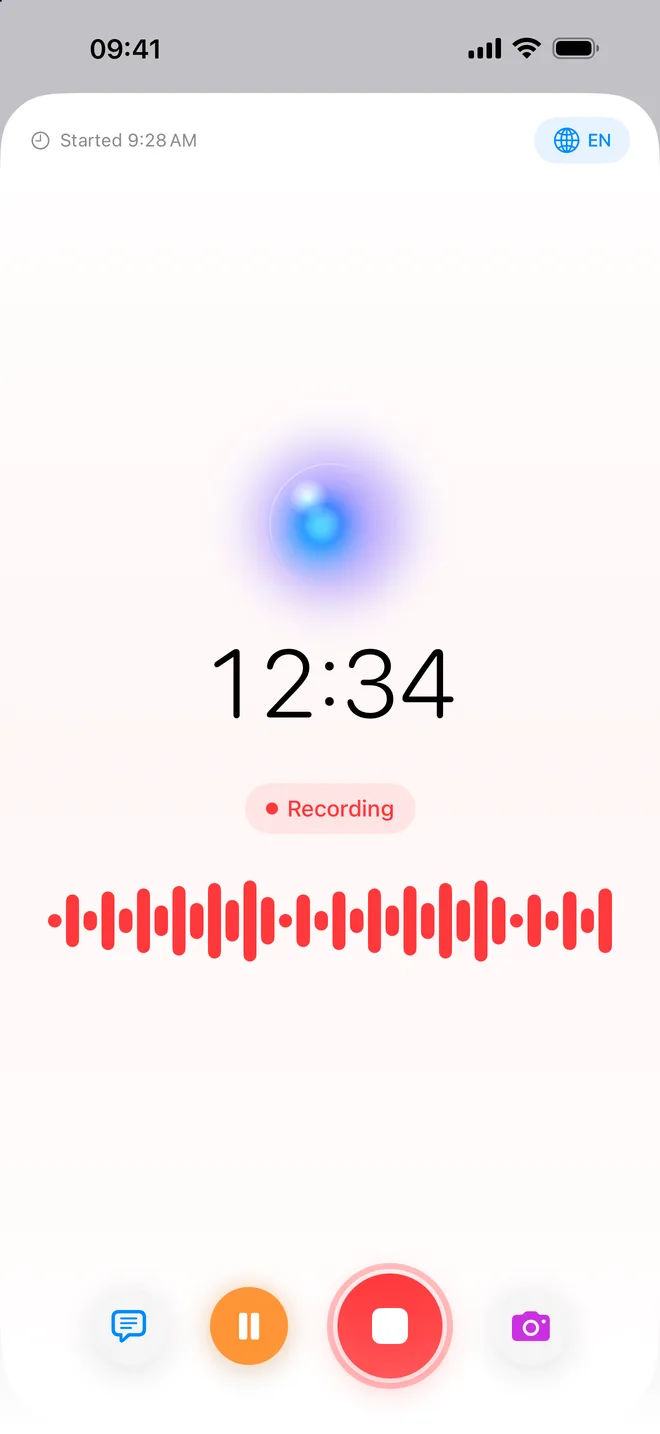
Mac app coming soonRecord the lecture from your seat. The recording carries on in the background, with a Live Activity on the Lock Screen.
Download on the App StoreYour notes, study guides and flashcards on the larger screen, next to the textbook.
Download on the App StoreOne App Store purchase covers Mac, iPhone and iPad. Sign in with the same account and your library and minutes follow you.
Built for the Mac
The Mac version is written for windows, keyboards and trackpads: the lecture list, the notes and the flashcards are all on screen at once, and the recorder is one key away.
⌘N starts a recording from anywhere in the app. A live level meter, pause, discard and Stop & Save stay docked at the bottom of the window.
Drag audio or video from class onto the window — or press ⇧⌘I — and it joins the subject you are looking at, ready to transcribe.
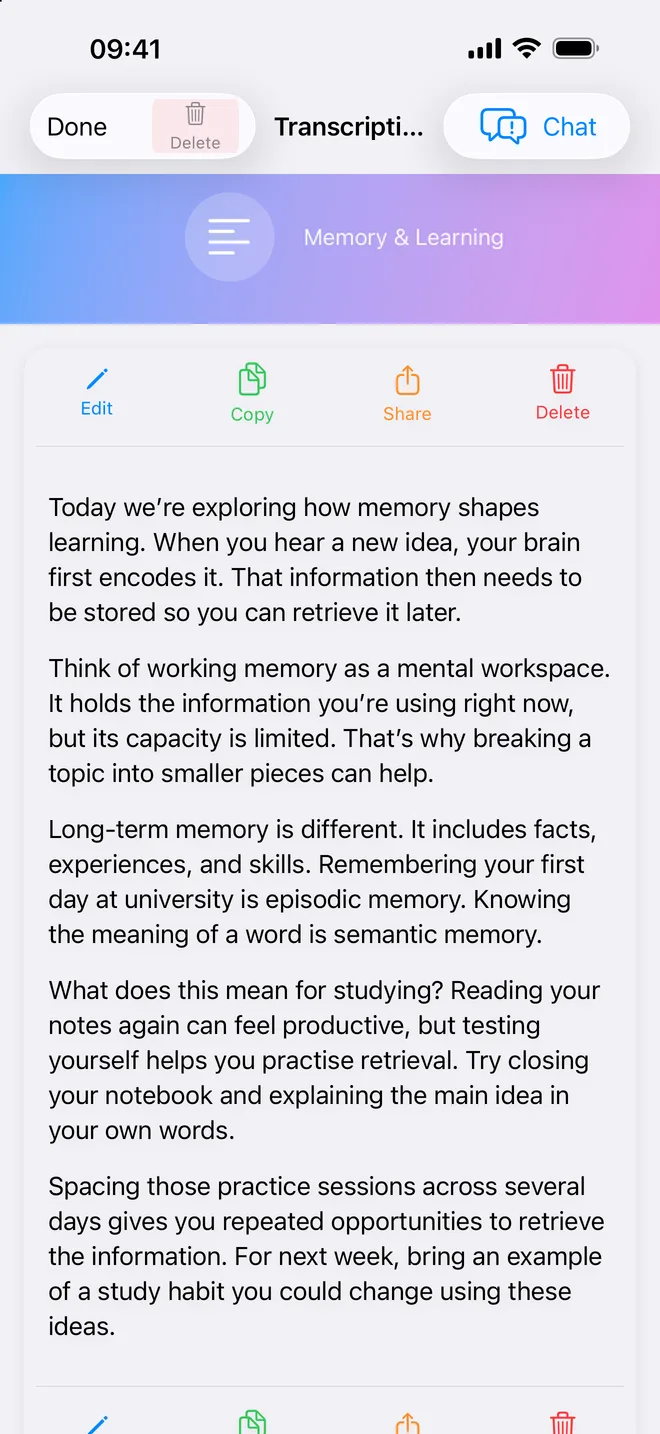
Every lecture opens on four tabs: your notes, the full transcript as selectable text, a chat to ask about it, and a flashcard deck.
Organise lectures by subject. Give a subject its weekly class times and Class Notes adds them to your Calendar as recurring events.
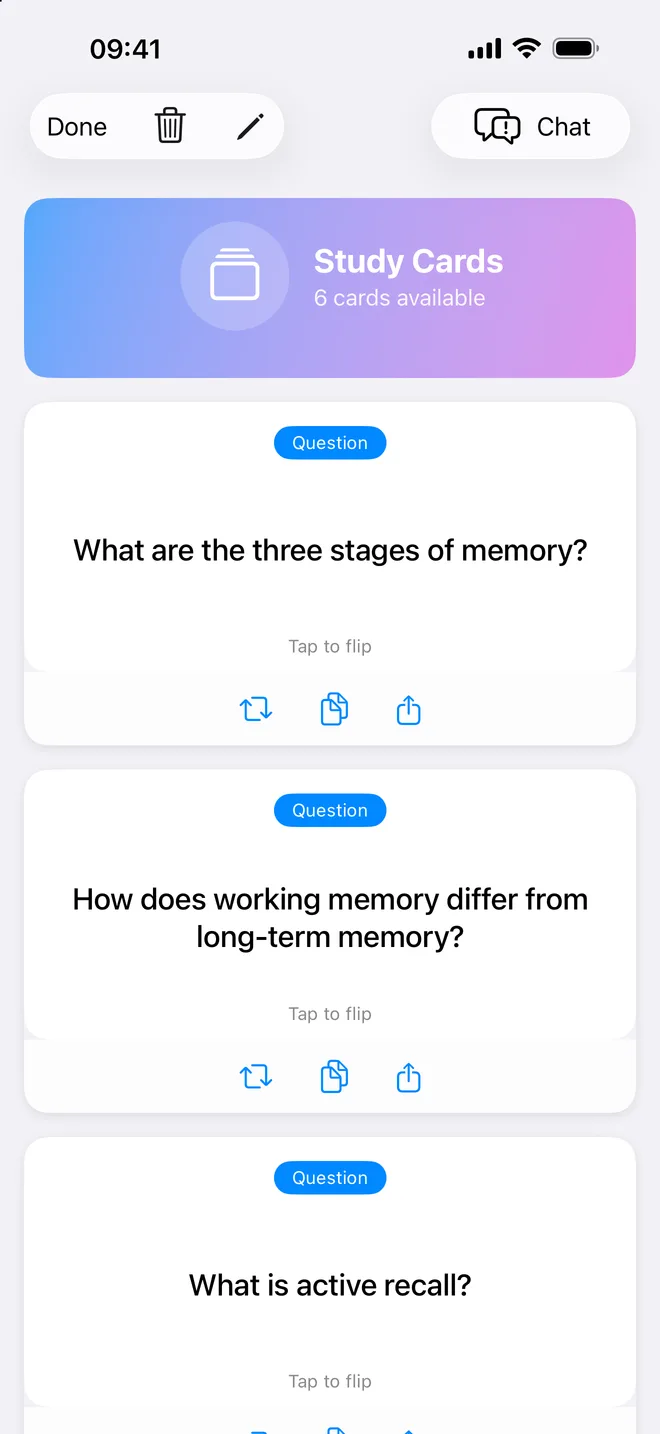
Generate a deck from a lecture, flip each card, or jump to a random one. Decks made on the iPhone are here too, and the other way round.
Add classmates by email — or by scanning the QR code in their iPhone app — then share a lecture with them from its context menu.
Ask AI
The Analyze menu turns the transcript into the study material you need. Or ask a question in your own words and get an answer drawn from what the lecturer actually said.
One account
Sign in with the same account and the lecture you recorded on your iPhone opens on the Mac with its notes, transcript, flashcards and AI conversations. Your subjects, contacts and minute balance come with it.
The audio file itself stays on the device that recorded it. Play it back there, or import a copy on the Mac when you want to transcribe it again.
Keyboard
The shortcuts the Mac app registers, as it ships.
Also on iPhone and iPad
Class Notes started on the iPhone, and that app is on the App Store now. Record from your seat, and open the notes on your Mac when you sit down to study.
Pricing
There is no subscription. Cloud transcription uses minute credits, bought in packs through the App Store when you need them. One balance covers every device signed in to your account — a pack bought on the iPhone is there on the Mac.
Prices are set per country by the App Store and shown before you buy.
Not a Linelark app: it has an account for syncing between devices, and transcription is paid for in minutes.
Questions
No. Class Notes is one App Store purchase for Mac, iPhone and iPad. It is free to download on each, and minute packs bought on any of them are added to the same balance.
Yes, once you sign in with the same account: notes, transcripts, flashcards, study guides and AI conversations. The audio file stays on the iPhone that recorded it.
Yes. The account is what keeps your subjects and your minute balance in step across devices. You can create one with an email address, or use Sign in with Apple.
Yes. On the Mac, right-click a subject and choose Edit Schedule… to give it its weekly class times; Class Notes adds them to your Calendar as recurring events.
Transcription works in many languages, so a lecture in Italian, French or Spanish is transcribed as given. The iPhone and iPad app is in English, French and Italian; the Mac app is in English for now.
The Mac app needs macOS 14 or later. The iPhone and iPad app needs iOS or iPadOS 18.1 or later.

Class Notes
Made by Calogero Cascio, the independent developer behind Linelark.